100% Safe
& Secure
1 Year
Free
Support
Money Back
Guarantee
Lifetime FREE
license
Advanced Capabilities of vMail CSV to Office 365 Migration Software
vMail CSV to Office 365 Migration Software is designed to provide a seamless and error-free user experience. With the highly developed features, the software provides the facility of removing duplicate contacts, adding empty fields, and migrating the data successfully to the destination, i.e., Office 365 or Live Exchange Server.
CSV to Office 365 Account Migration
The software Migrate contacts and data from CSV and Excel into Office 365 accounts efficiently while maintaining all contact properties and any relevant data and metadata that may be found in emails. Migration is done efficiently and with high speed for complete data consistency.
Import CSV & Excel Data into Existing Outlook Profiles
The users have an option to import the CSV or Excel files directly to an already created Microsoft outlook profile or export them to a newly created PST file with using the CSV to O365 Converter Software. All this is done in a non-intrusive manner that guarantees safety for the data involved.
Excel to Outlook Field Mapping
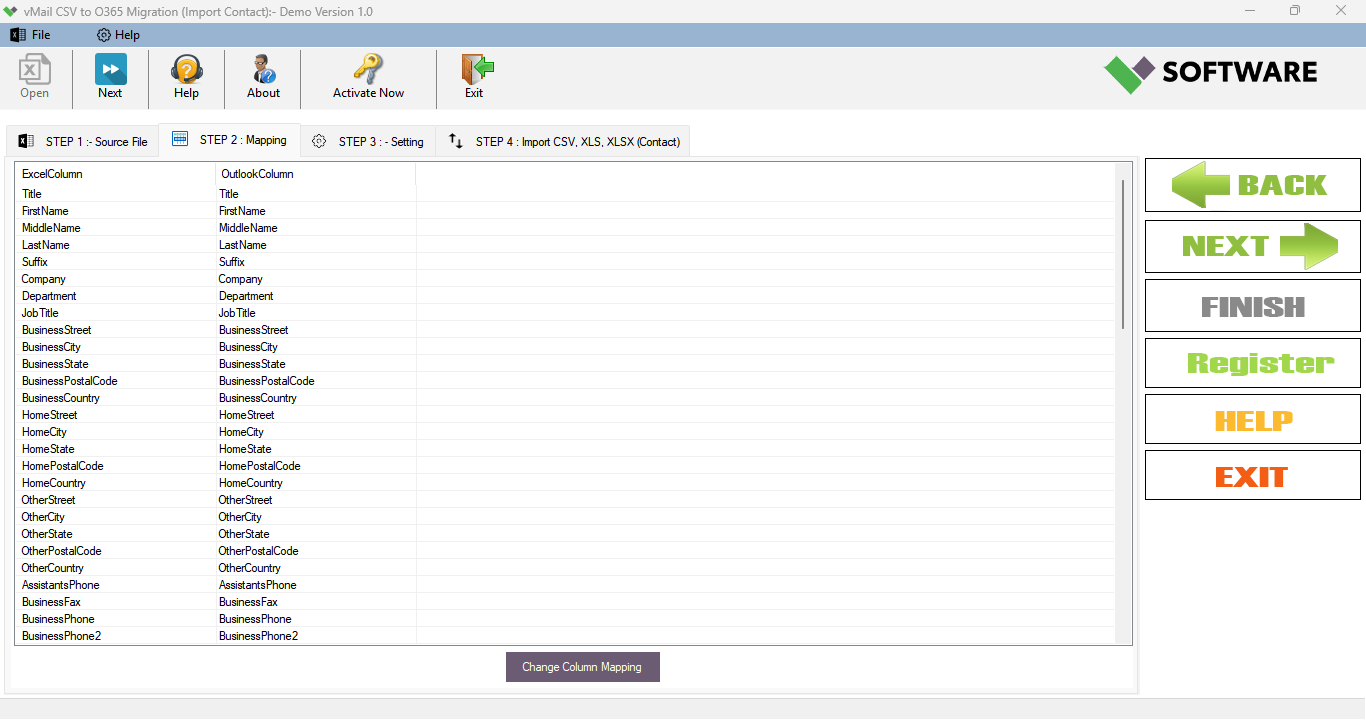
A built-in feature that enables the implementation or creation of field mappings exists in the application. This enables users to align the data or specific columns found in the Microsoft Excel column with similar Outlook data. This creates precise data placement, facilitating easy translation during the process of moving the data to Office
Multiple Export Destinations
The "vMail CSV to Office 365 Migration Software" offers the option to export CSV or Excel data into several different locations, including a Live Exchange Server, Microsoft 365, Office 365 accounts, existing Outlook data stores, or newly generated PST data stores.
Duplicate Contact Removal
The vMail CSV to O365 Migration software enables users to have an option to remove duplicate contacts based on their emails before migration. This guarantees users a neat and tidy contact list at their end.
Preview and Data Integrity
This CSV to office 365 converter software offers a clear view of the data that is present in the CSV or Microsoft Excel file before the starting migration process. All the data remains intact with no change or deletion.

How vMail CSV to O365 Migration Works
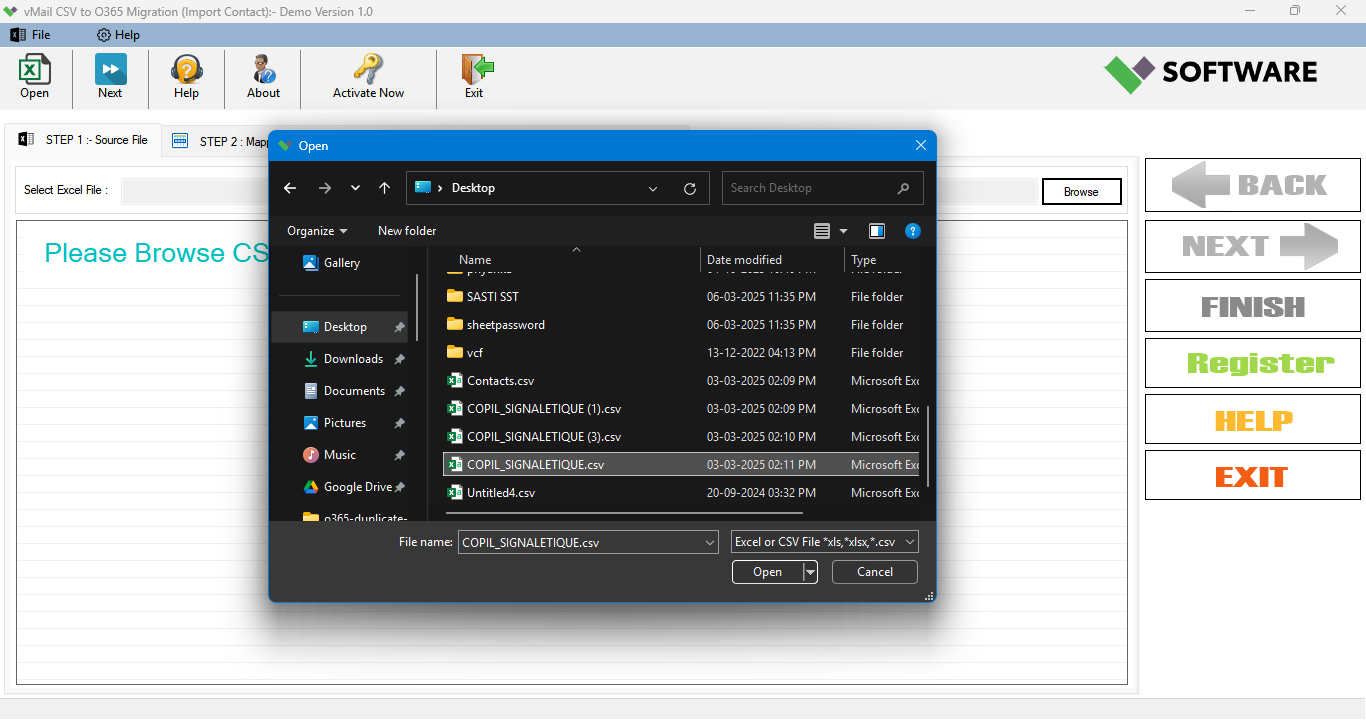
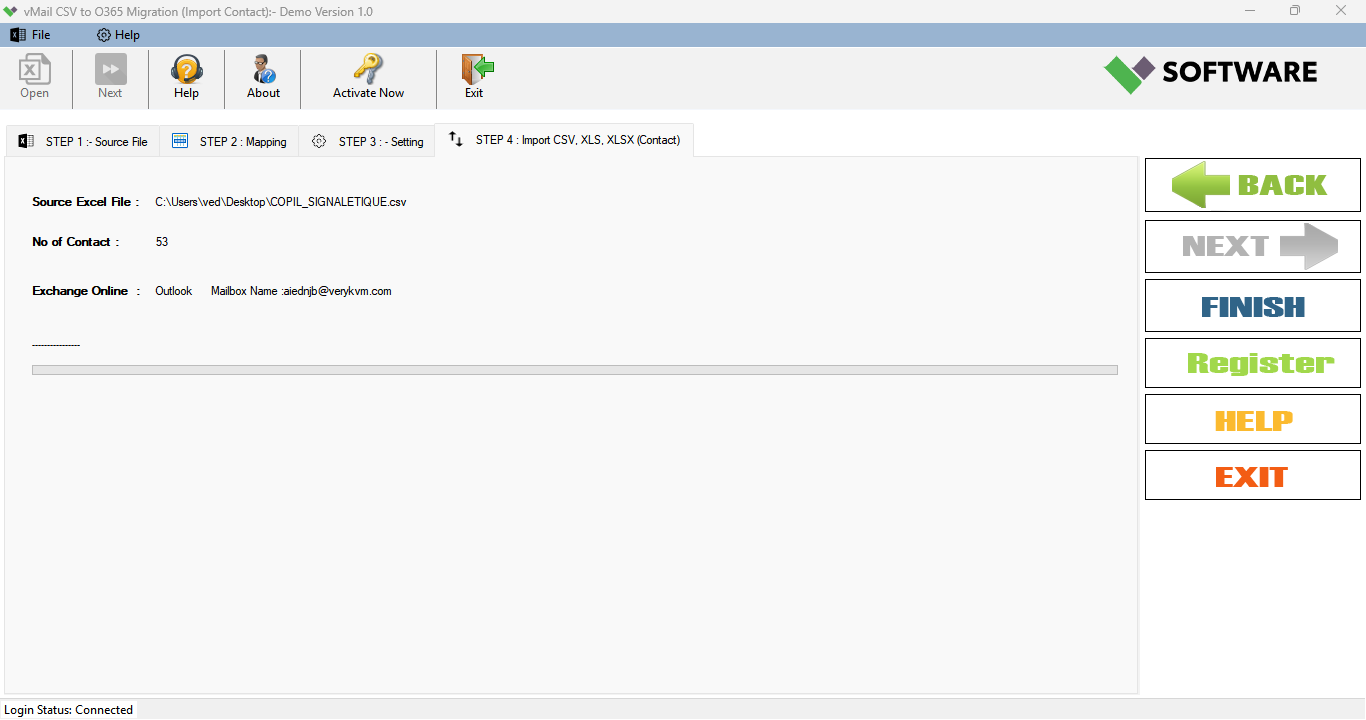
A step-by-step guide to using vMail CSV to O365 Migration to Convert CSV and Excel file data to O365, Live Exchange Online, New PST, Existing Outlook profile, Microsoft 365
DetailsSoftware Screenshots
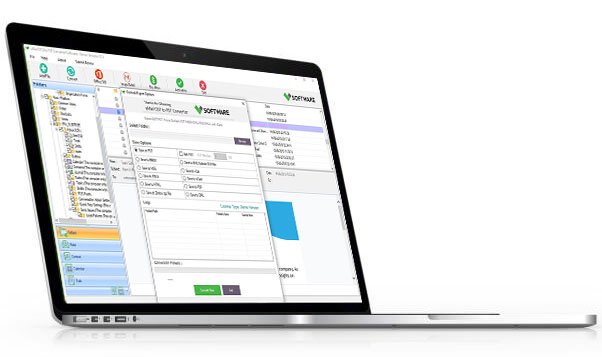
System Requirements
- Processor Pentium Class
- Operating System Windows 11, 10, 8.1, 8, 7, Vista, XP
- Memory Minimum 128MB RAM (512MB recommended)
- Hard Disk 150 MB of free space for Software installation
What Our Client Say ?
Synergistically engineer functionalized applications rather than backend e-commerce.

“The process of data migration was smooth with the use of the vMail CSV to Office 365 Migration Software. It successfully preserved all the information and properties of the contacts within the emails.”
"Successfully migrated thousands of contact records from Excel into Office 365 without any data loss. Support with column mappings was awesome! Great feature with the data preview option too. Recommended for contact migrations, particularly with CSV or Excel files!"
“The software itself is user friendly yet powerful, as importing CSV files into an existing Outlook profile was seamless, even with large datasets.”

FAQ's
Which export destinations does the software support?
Software features its ability to export CSV and Excel data to various destinations including Live Exchange Server, Microsoft 365 accounts, Office 365 accounts, an existing Outlook profile, a new profile, and PST.
Would my email properties and contact information be affected?
The software maintains all the properties of an email and all contact details and data structure during CSV to Office 365 Migration.
Is it possible to remove duplicates before migration?
Yes, the software does offer the option for the deletion of duplicate contact details based on their email IDs before the migration process.
What is the function of the mapping feature?
The field mapping feature allows users to match Excel columns to corresponding fields in Outlook to enable accurate migration of information.