100% Safe
& Secure
1 Year
Free
Support
Money Back
Guarantee
Lifetime FREE
license
Magnificent Key Features of DXL to PST Converter Software
vMail DXL to PST Converter Software quickly works to recover and convert DXL File to PST Outlook. The Software allows users to selective single and multiple folders of DXL File and Export DXL to PST Outlook with emails, contacts, calendars, task, notes and other items. Below mention, all features of the software read them carefully to make your Convert DXL File to PST File.
Date-Based Filtering
Download vMail DXL to PST Converter Software easily filter and Migrate DXL data within a specific date range by taking help of “From Date” to “to Date” filter. The software features ensure a precise, targeted recovery of only the data you require.
IBM Lotus Notes Requirement
For recovering and Converting DXL Files, there is need to install IBM Lotus Notes on your stems. DXL to PST Conversion Software maintains all folders structure, sub-folders structure and emails properties with attachments.
Multiple Export Formats
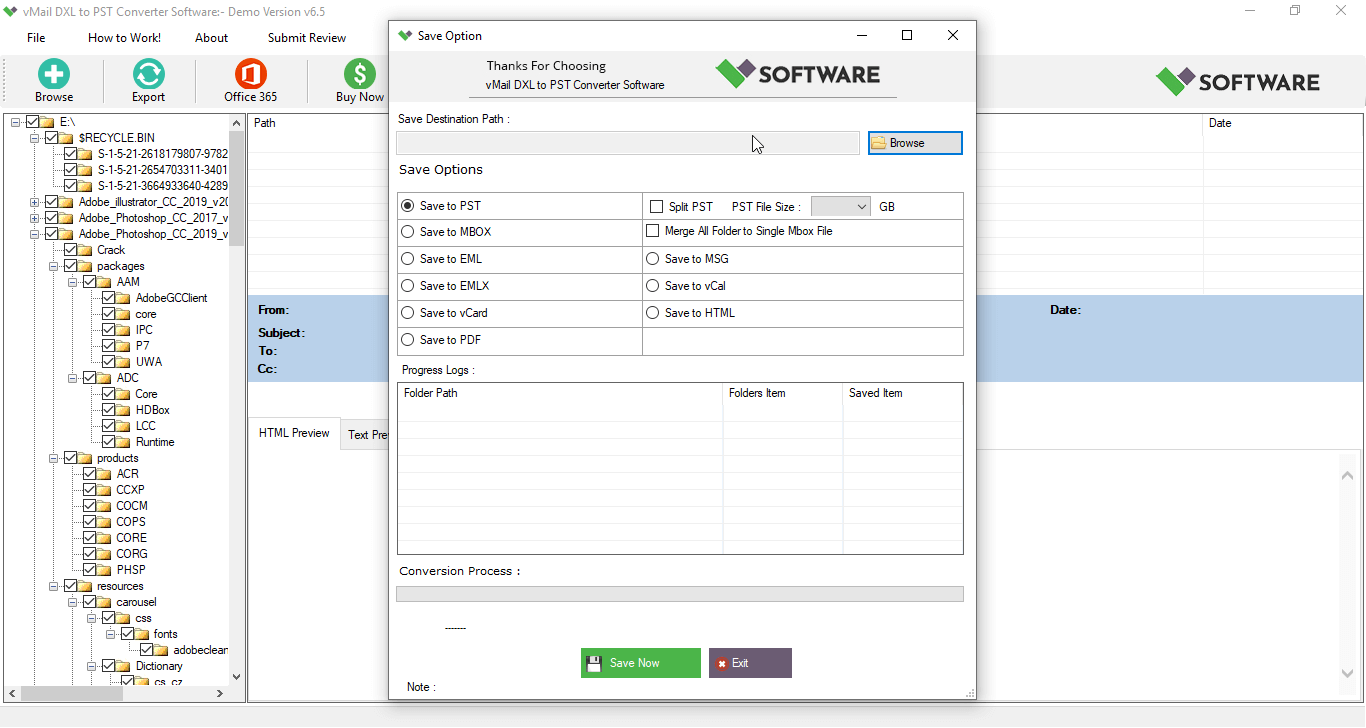
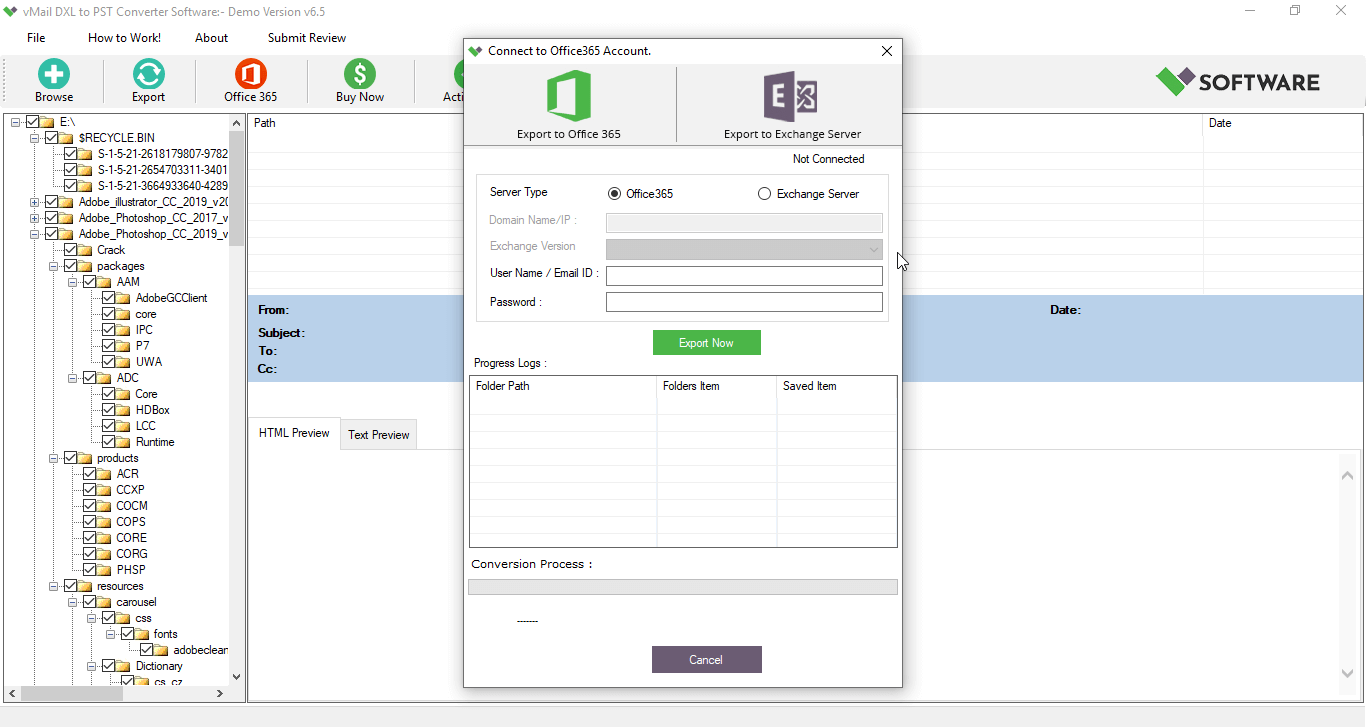
Not convert only DXL File into PST but also into MBOX, Live Exchange Server, EML, MSG, Gmail, Office 365, RTF, and HTML. Attachments and embedded images are also preserved during conversion.
Preview & Folder Structure Preservation
DXL to PST Migration Software provides complete preview of all DXL file include- emails, contacts, calendars, task, notes and other items. Software maintains folders hierarchy during conversion time.
Selective File Export
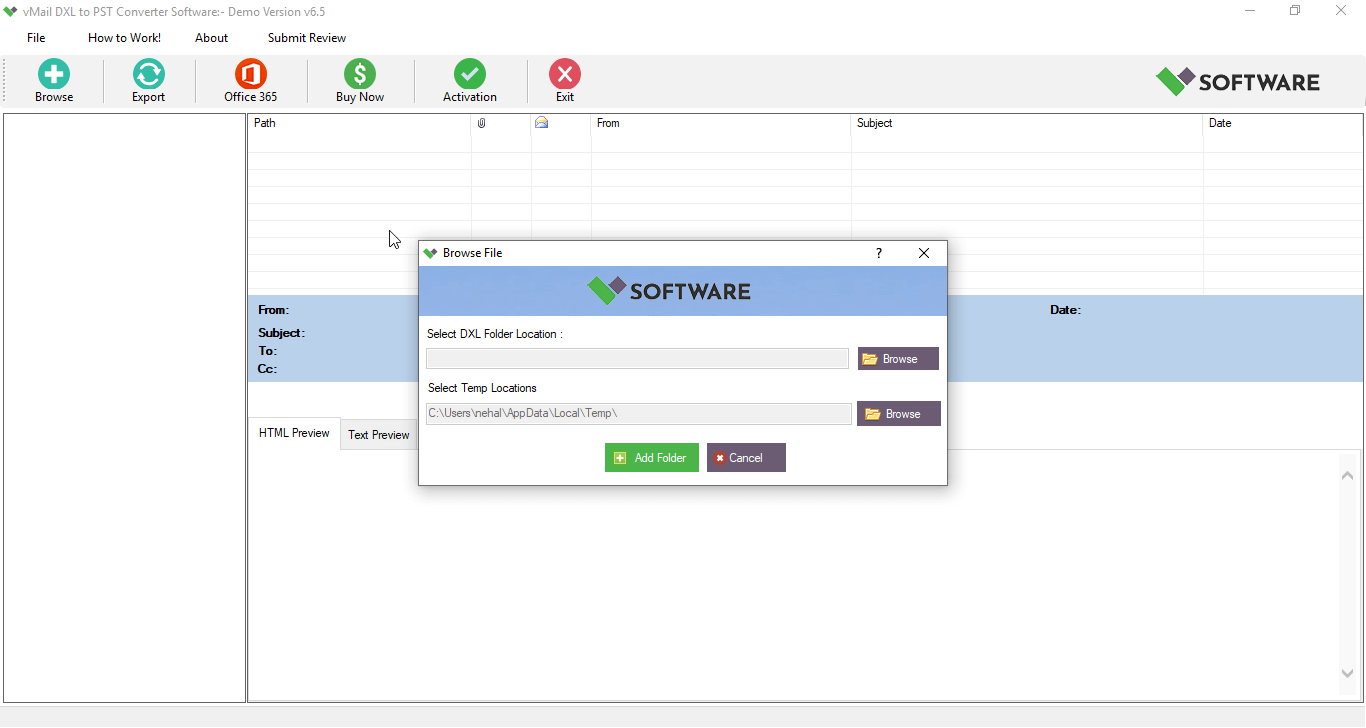
Choose to recover data from DXL File and export specific DXL files or mailbox items using checkboxes. You can also import and convert multiple DXL files in a single batch with using this DXL to PST Converter Software.
Broad Compatibility
Completely compatible with all major IBM Domino Server versions, including IBM® Verse and SmartCloud™ Notes®, and works across all modern Windows operating systems.

How vMail DXL to PST Converter Works
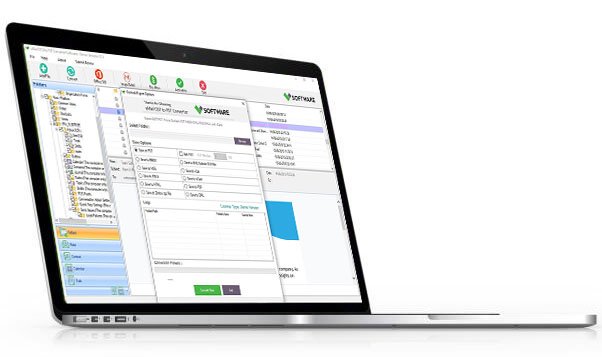
Know How to use DXL to PST Converter Software to convert Lotus Domino DXL file to Outlook PST file and other formats like EML, MSG, MBOX, vCard & vCal
DetailsSoftware Screenshots
System Requirements
- Processor Pentium Class
- Operating System Windows 11, 10, 8.1, 8, 7, Vista, XP
- Memory Minimum 128MB RAM (512MB recommended)
- Hard Disk 50 MB of free space for Software installation
What Our Client Say ?
Synergistically engineer functionalized applications rather than backend e-commerce.

I used vMail DXL to PST Converter Software to migrate hundreds of emails, and it worked flawlessly. The batch conversion and preview feature saved a lot of time
The software was easy to use, even for a non-tech user like me. Converted my DXL files to PST in minutes with no data loss!
Finally, a reliable tool to convert DXL files! It preserved every email detail and made my switch to Outlook seamless. Highly recommend it!"

FAQ's
What other formats can I convert DXL files to besides PST?
In addition to PST, the vMail DXL to PST Conversion software supports exporting DXL to MBOX, MSG, HTML, RTF, EML, Gmail, Live Exchange Server, and Office 365 formats.
Is batch conversion supported in this DXL to PST Converter Software?
Yes, you can Export Multiple DXL Files at once using the batch migration feature.
Is there a size limit for the DXL file I can convert?
No, there is no file size limitation. You can Export large DXL files to PST without any performance issues.
Is technical support available if I face issues during conversion?
Yes, vMail DXL to PST Converter Software offers dedicated technical support via email and chat to assist you with installation, conversion, or any technical issues.
Does the software support conversion to cloud platforms like Office 365 or Gmail?
Yes, the tool allows direct export from DXL to Office 365 and Gmail, making cloud migration simple and fast.