100% Safe
& Secure
1 Year
Free
Support
Money Back
Guarantee
Lifetime FREE
license
Notable Features of vMail EML Duplicate Remover Tool
The demo version of vMail EML Duplicate Remover Software is free to use and helps users to have an experience of each and every feature offered by this tool. Some of these features are deleting duplicates of emails and saving filtered email data in a secure manner. The demo version offers all features except saving all filtered emails. Some of the key features of this tool are as follows:
Complete Data Integrity
The vMail EML Duplicate Remover software remove duplicate emails without losing any metadata. The metadata consists of “To,” “CC,” “BCC,” “Subject,” “Date,” and “Time.” The original structure of EML remains the same.
Date-Based Filtering
The users are provided with a filter option to eliminate duplicate emails for a particular period of time. This function provides users with precise deletion, allowing them to access only the necessary data by delete duplicate EML files.
Independent Working Environment
vMail EML File Duplicate Remover Tool can be implemented as an individual program, and it does not require the use of additional email client software. All the operations relevant to the identification and deletion of duplicates are performed through the program.
Free Demo Version
There is an option for a free trial, which enables users to remove duplicates while also saving some files. The free trial would help users assess the efficiency of the tool before deciding to purchase.
File and Folder-Level Processing
The user has the option to add individual EML files, folders for batch operation, which removes duplicate e-mails with using the best Email Duplicate Remover Software. It easily works to remove duplicate EML Files with emails and folders with maintains data integrity,
Removal of Empty Emails
Apart from that, it also removes empty or zero-content emails, like emails containing empty attachments, from the list. The EML duplicates remover tool supports all EML-based environments as well as Windows OS to delete Duplicate Emails from EML Files.

How to vMail EML File Duplicate Remover Tool Works
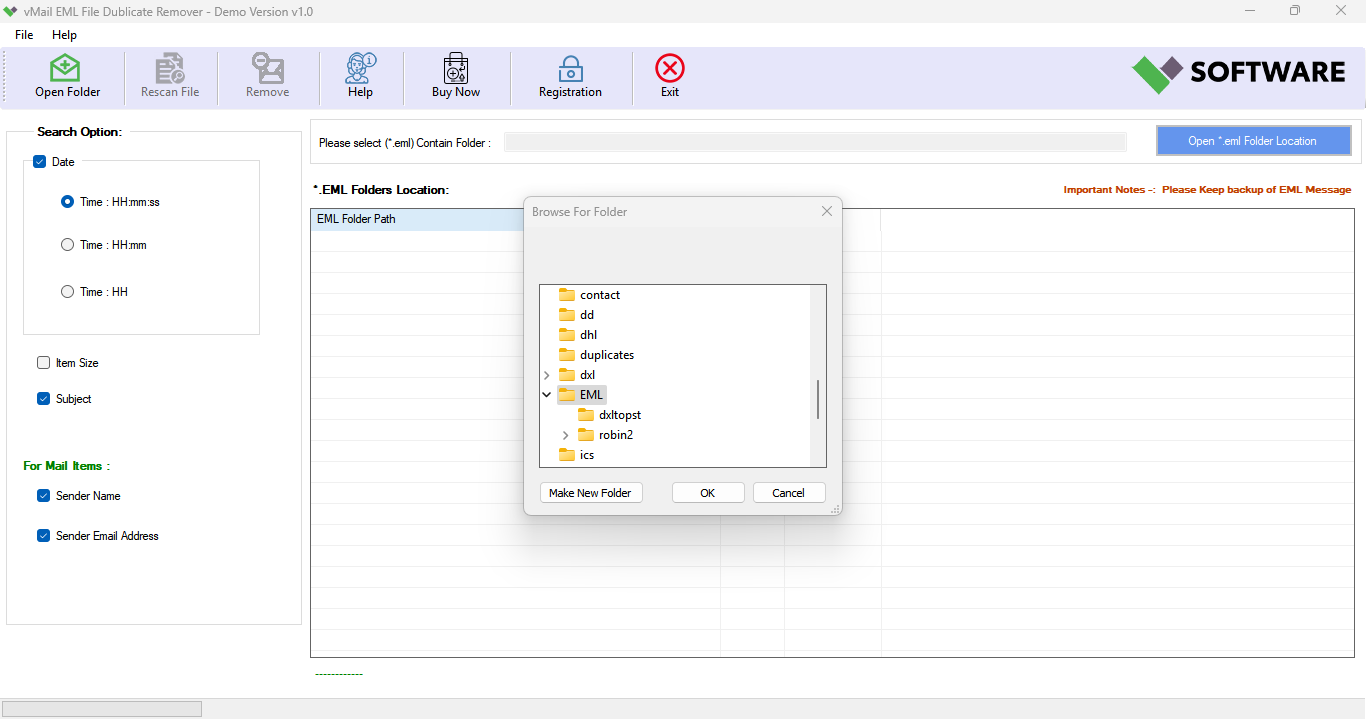
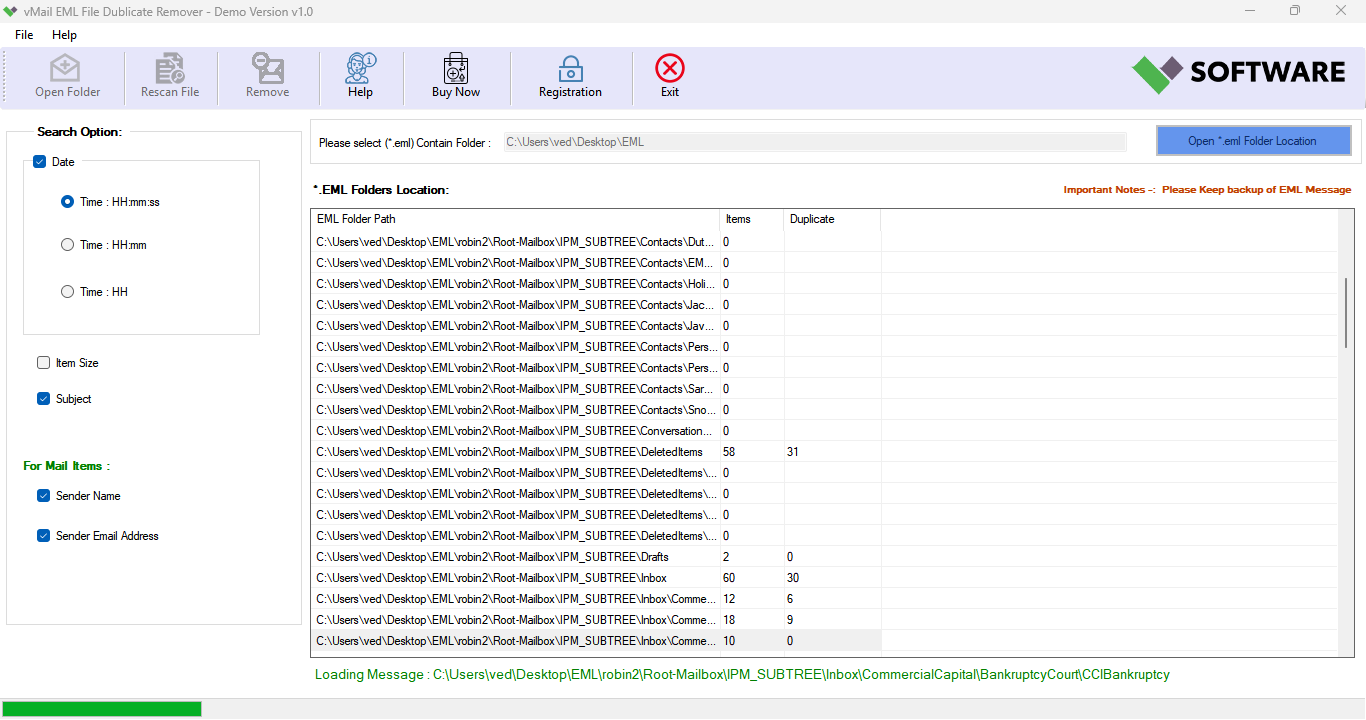
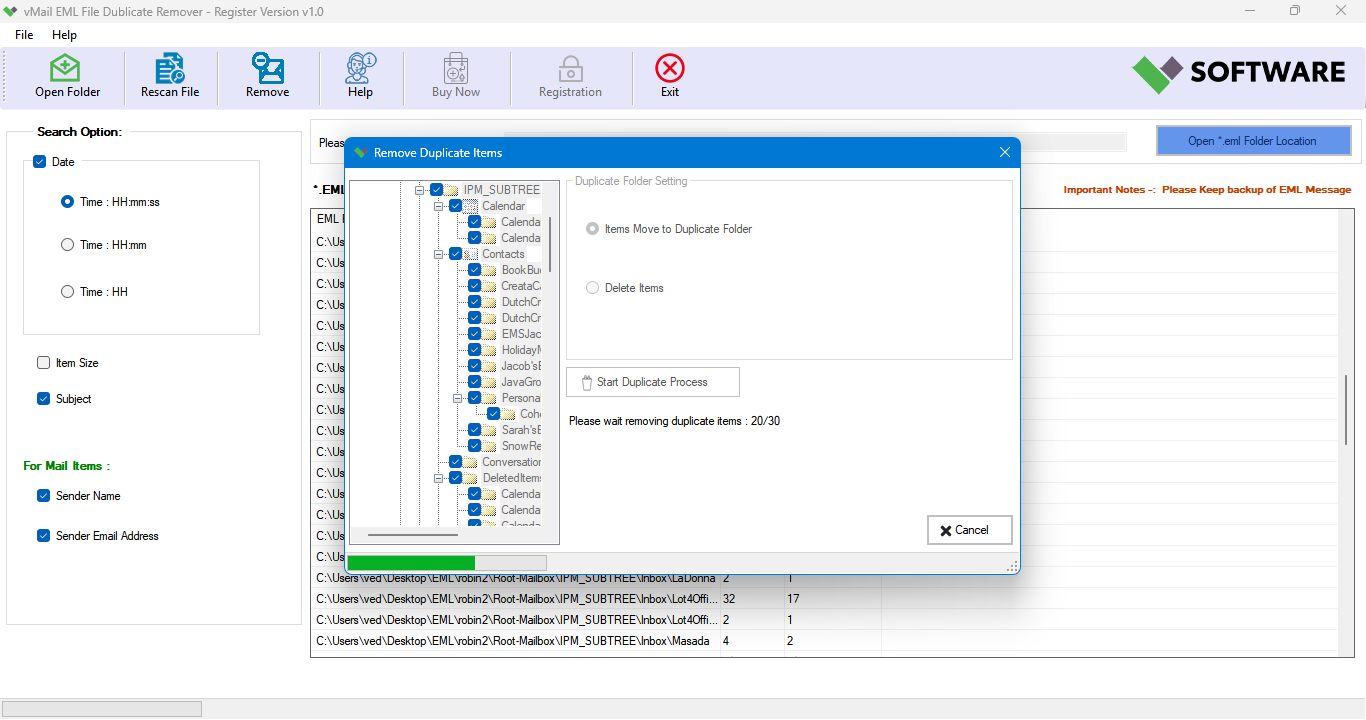
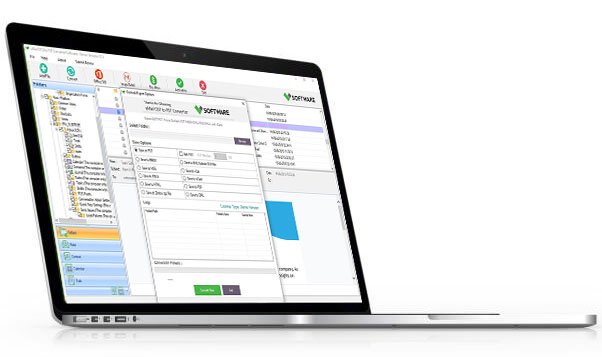
A step by step guide how to use vMail EML File Duplicate Remover Tool to Move or Delete Duplicate Items form Windows (*.eml) Messages
DetailsSoftware Screenshots
System Requirements
- Processor Pentium Class
- Operating System Windows 11, 10, 8.1, 8, 7, Vista, XP
- Memory Minimum 128MB RAM (512MB recommended)
- Hard Disk 150 MB of free space for Software installation
What Our Client Say ?
Synergistically engineer functionalized applications rather than backend e-commerce.

“vMail EML Duplicate Remover removed those duplicate emails without changing any of the data found within them.”
“This software significantly reduced the time it took to clean my EML archives. The results were accurate and well-organized.”
“Duplicate emails which went unnoticed till now are frequently found. It efficiently works with bulk EML files.”

FAQ's
Is it necessary to use an email client on the software?
No. The vMail EML Duplicate Remover software does its own work and does not rely on Thunderbird, Apple Mail, Outlook Express, or any other email client.
Can I eliminate duplicates from all emails in all “EML” files at once?
Yes. This email duplicate remover software can handle a bulk process, for instance, the software allows the user to add several files at the same time.
Does it include the ability to remove blank or empty emails?
Yes. There are options for empty emails and attachments. These can be removed.
Is the software compatible with all versions of Windows?
Yes. It is available for Windows 11, 10, 8.1, 8, 7, Vista, and Windows