100% Safe
& Secure
1 Year
Free
Support
Money Back
Guarantee
Lifetime FREE
license
Advanced Key Features of vMail EML to IMAP Conversion Software
vMail EML to IMAP Conversion is 100% safe tool that works to Migrate EML to Gmail and Export EML to IMAP with emails, contacts, calendars, journals, notes, task, and etc. It never harms internal data during migration time or preserve folders structure. Software has many features that can be used during migration time to makes it more effective.
Effortlessly Migrate EML Files to IMAP or Gmail
Download vMail EML to IMAP Migration Software that is powerful and easiest way to migrate multiple EML Files or entire folders to Gmail and IMAP Server accounts. Along with batch migration feature, you can upload several EML Files or folders and Export them to your desired IMAP Accounts without problem.
Export Selected EML Emails with Date Filters
With using this wonderful vMail EML to Gmail Migration Software you a filter the emails according to dates and Migrate all emails between specific period of time. Software will recover emails, contacts, calendars and Export EML to IMAP Server accounts and Gmail Accounts.
Compatible with All G Suite (Google Workspace) Plans
No matter you use G- suites, enterprise, education edition, business, vMail EML to IMAP Migration Software ensures best emails migration with the entire attachments and formatting etc. Software supports seamless data migrate across all versions of Google Workspace.
Supports All Types of EML Files
EML to IMAP Converter Software is designed to manage the entire versions and types of EML Files, including Windows Mime Mail Message (.eml) and Mac Mail (.emlx). All users can preview the content before conversion and save the entire data in the selected destination format without corruption.
Import Windows Mail EML Files to Gmail
vMail EML to IMAP Conversion Software allows you extract data from EML File included emails contacts, calendars, task, notes and Import Windows Mail emails directly into your Gmail and G-suits accounts. Software preserve folders hierarchy, attachments, metadata, ensuring full and accurate conversion process.
No File Size Limitations
There is no size limitation when using vMail EML to Gmail Migration Software. It easily scans and Migrate even large sized EML files without performance issues, letting unlimited emails conversion to your Gmail Server accounts and IMAP Server accounts.

How vMail EML to IMAP Migration Tool Works
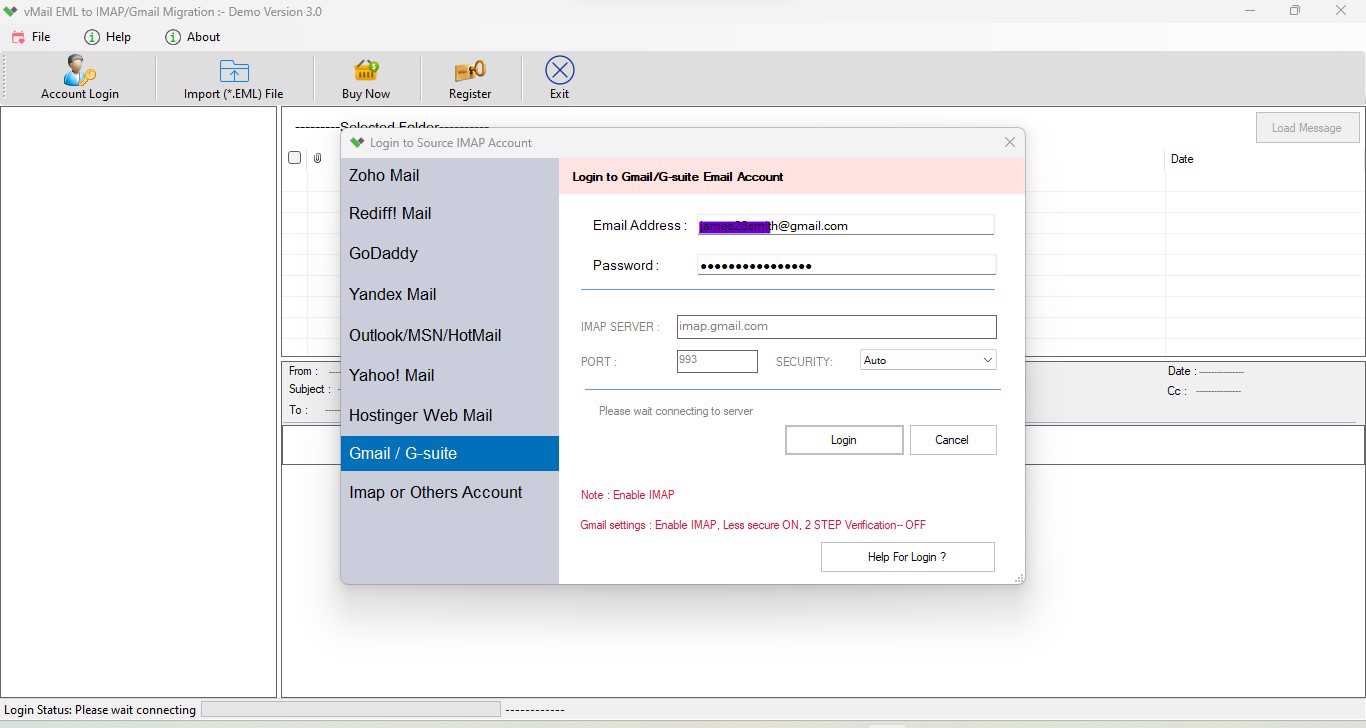
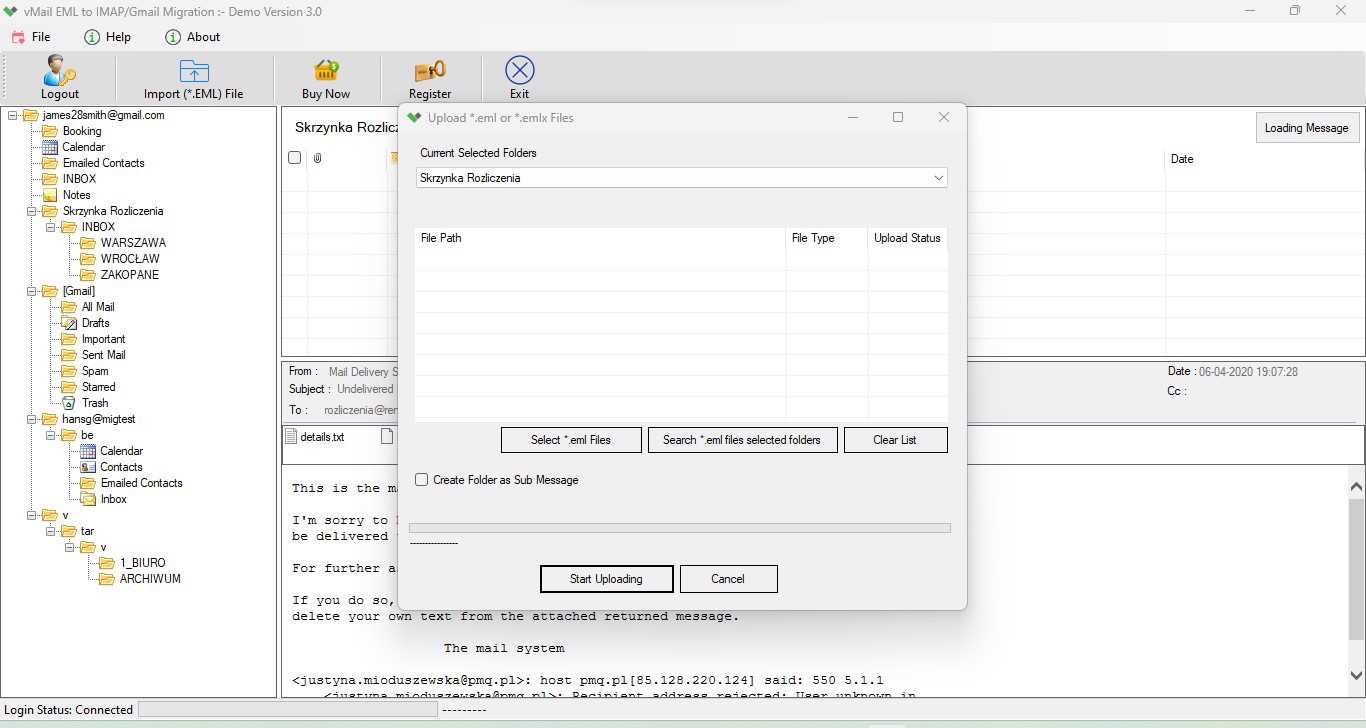
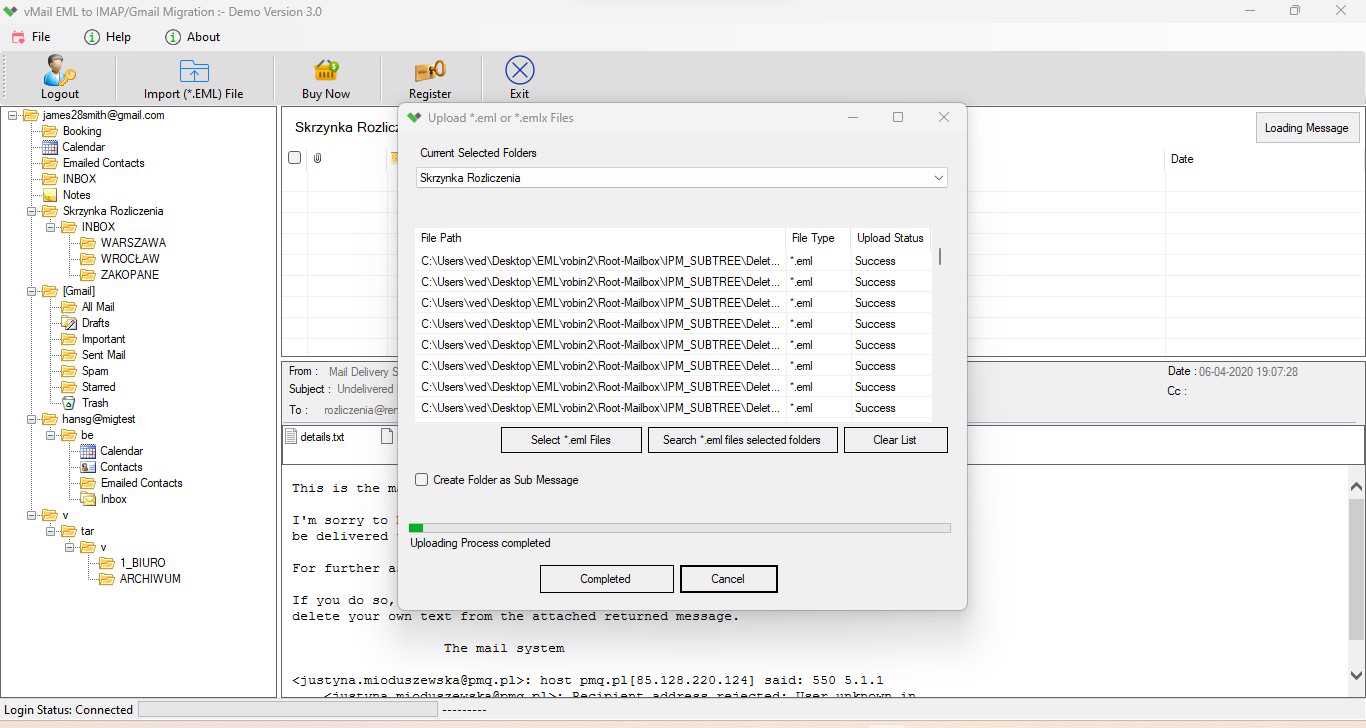
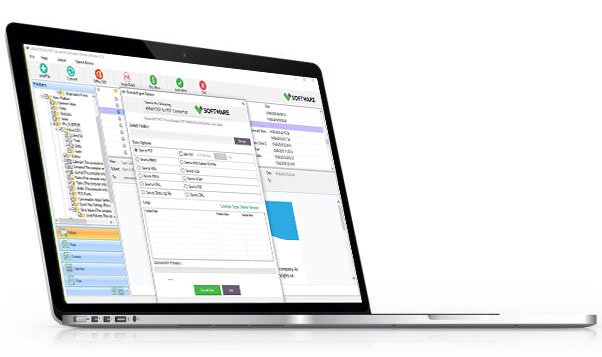
A step-by-step guide to using vMail EML to IMAP Migration Tool to Import Multiple Windows Message(*.eml) file into Gmail Account
DetailsSoftware Screenshots
System Requirements
- Processor Pentium Class
- Operating System Windows 11, 10, 8.1, 8, 7, Vista, XP
- Memory Minimum 128MB RAM (512MB recommended)
- Hard Disk 150 MB of free space for Software installation
What Our Client Say ?
Synergistically engineer functionalized applications rather than backend e-commerce.

This vMail ML to IMAP Migration software is fantastic! It migrated thousands of EML emails to my G Suite account perfectly without any data loss. Extremely recommended
No file size limits, fast performance, and excellent support! vMail EML to IMAP Migration Tool exceeded my expectations in every way
I’ve tried many migration tools before, but this one is by far the most reliable. It maintained my folder structure and attachments perfectly+

FAQ's
Can I migrate multiple EML files at once?
Yes, with using this EML to IMAP Migration Software you can migrate multiple EML Files at once without data loss.
Can I migrate emails to all versions of G Suite (Google Workspace)?
Yes, vMail EML to IMAP Migration Software let migration across all G Suite plans, including Basic, Business, Enterprise, and Education editions.
Is an internet connection required for the migration?
Yes, internet connection required for downloading the software and Export EML to IMAP Server accounts.
Can I migrate EML files from both Windows and Mac systems?
Yes, with downloading this EML to IMAP Converter Software you can Export EML Files from both Windows EML (*.eml) and Mac Mail EMLX (*.emlx) file.
Does this tool maintain email attachments and formatting?
Yes, the software ensures that attachments, email formatting, and metadata such as To, From, Subject, and Date remain intact during the migration process. Yes, this software maintains data integrity during EML to IMAP Conversion and EML to Gmail Migration.