100% Safe
& Secure
1 Year
Free
Support
Money Back
Guarantee
Lifetime FREE
license
Magnificent Key Features of vMail IMAP to Office 365 Migration Tool
vMail IMAP to Office 365 Migration Software is most trustworthy application to Transfer emails from IMAP accounts to Office 365 accounts. With bulk migration supports, filters and advanced scheduling option, it is best for IT admins, businesses and individuals migrating to Office 365 accounts. Software has many features that can be used during conversion. Read below: -
Migrate Any IMAP Email to Office 365 Easily
With using this best vMail to Office 365 Migration Tool it becomes possible to Migrate IMAP emails-based email service Gmail, Thunderbird, ProtonMail, iCloud, Yandex, Gmail, Zoho to Office 365 without problem. Just choose the source of your emails and Migrate data to Office 365 accounts.
Remove Duplicate Emails
IMAP Emails to Microsoft 365 Migration Software comes with inbuilt option to remove duplicate emails during Migration. Based on fields like- from, subjects, to, bcc, cc, body. The Software easily avoids unnecessary multiple copies, saving storage and ensuring a cleaner mailbox.
Migrate Selective Data from IMAP Server
IMAP to Office 365 Migrator Software is 100% powerful application that can Migrate selected data as well. The software provides filters like date based. Using this filter, one can Migrate selective data items like emails only from a specific date range. This way helps prevent the unnecessary data migration.
Export to Archive or Public Folder
Download vMail IMAP to Office 365 Migration Tool to recover data from IMAP Accounts and Migrate IMAP Emails to Microsoft 365, Office 365. It works with all Microsoft 365 and IMAP based email serves. It allows you to an archive mailbox or a public folder in office 365.
Works with All Windows Versions
This vMail IMAP to Office 365 Migrator software runs effortlessly on Windows 10, Windows 11 (64-bit), and Server versions like 2012 and 2016. It has a modest interface that makes migration easy—even for beginners.
Preserves Hierarchy and Metadata
vMail IMAP to Office 365 Migration Tool ensures that the folder structure remains intact during the migration process. It assurances that there will be no changes to the data when moving IMAP emails to an Office 365 account with emails properties and attachments.

How vMail IMAP to O365 Migration Works
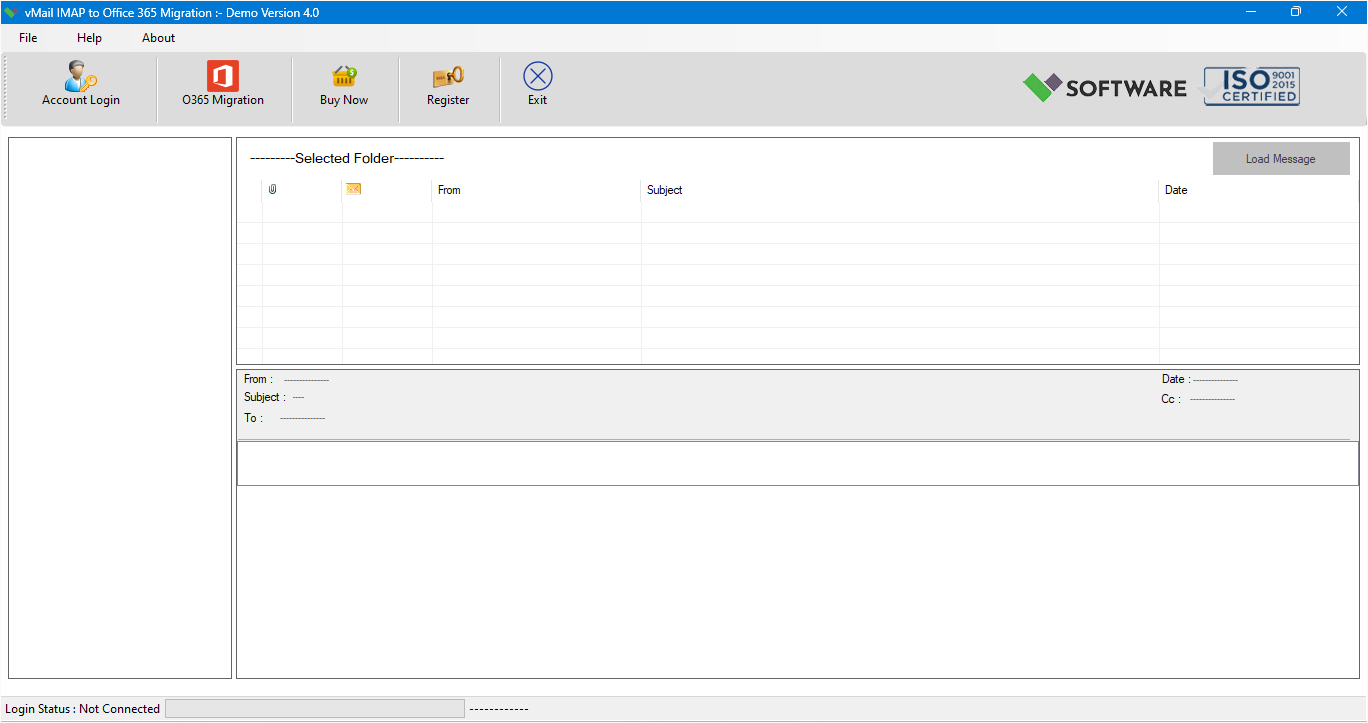
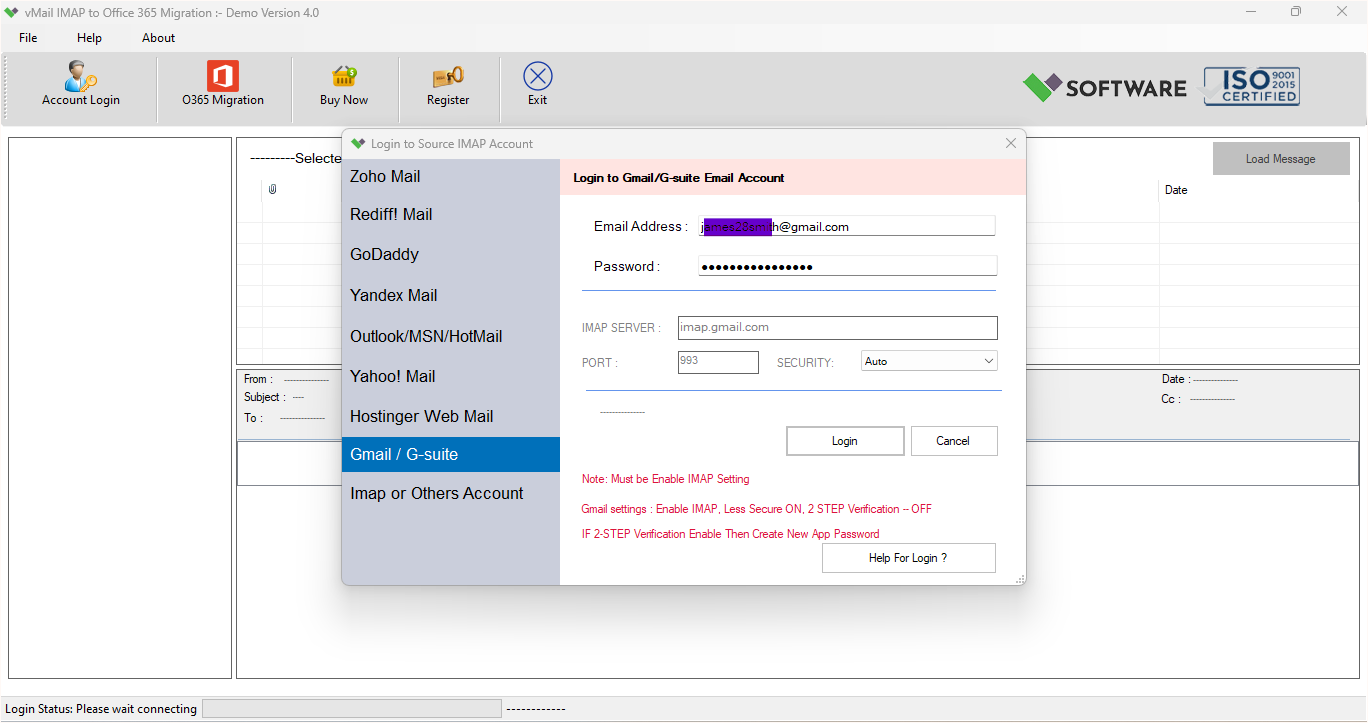
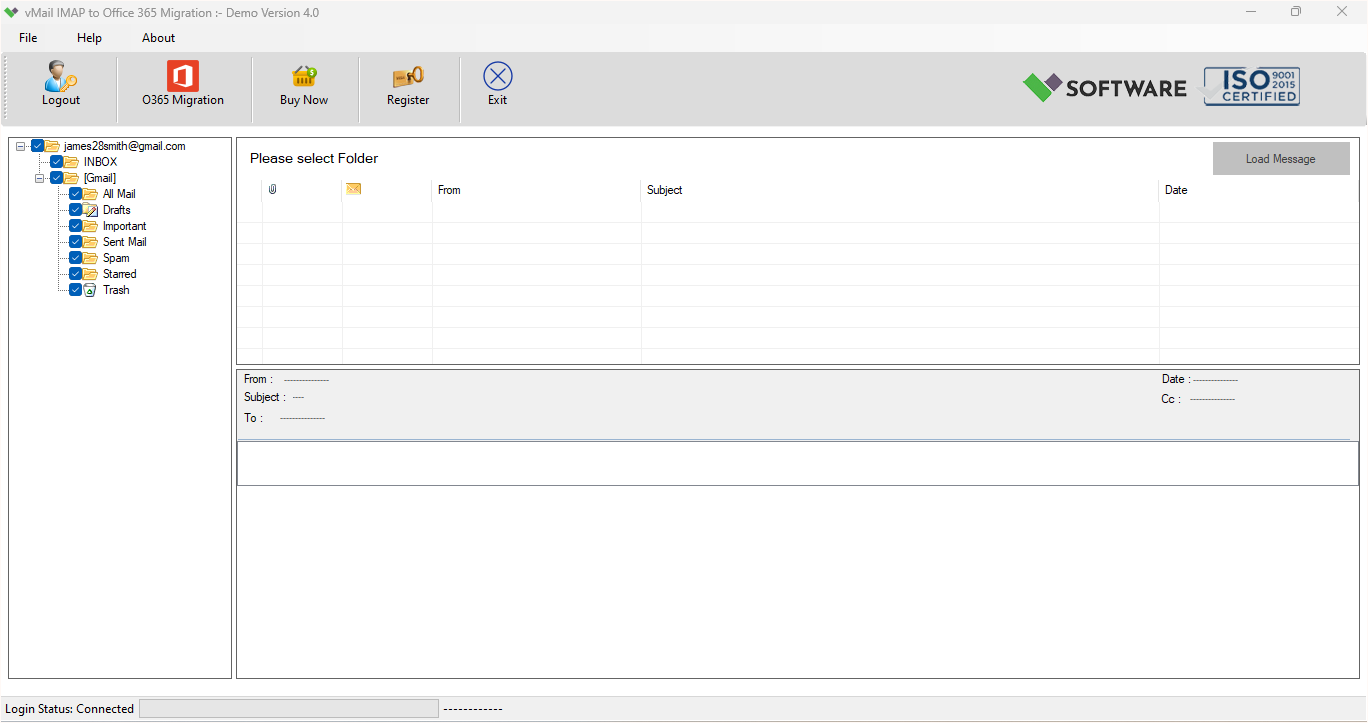
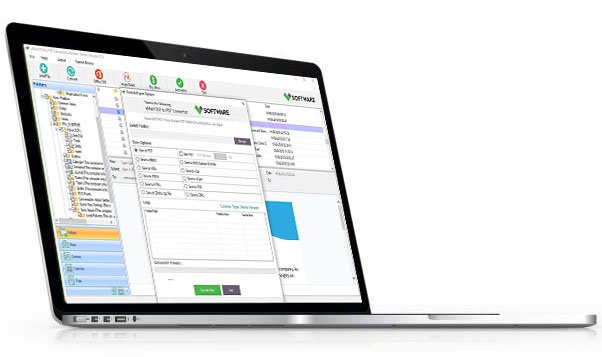
A step-by-step guide to using vMail IMAP to O365 Migration Tool for Migrate IMAP Email Account to Office 365 or Live Exchange Server
DetailsSoftware Screenshots
System Requirements
- Processor Pentium Class
- Operating System Windows 11, 10, 8.1, 8, 7, Vista, XP
- Memory Minimum 128MB RAM (512MB recommended)
- Hard Disk 150 MB of free space for Software installation
What Our Client Say ?
Synergistically engineer functionalized applications rather than backend e-commerce.

We migrated 200+ mailboxes from Gmail to Microsoft 365 using this vMail IMAP to Office 365 Migration tool. Everything was preserved perfectly.
I’m not very technical, but this IMAP to Office 365 migrator Software was very easy to use. Loved it!
We had a few questions during setup, and the support team responded quickly and clearly.

FAQ's
Which email services are supported by this IMAP to Office 365 migrator Software?
The vMail IMAP to Office 365 Migration tool supports all IMAP-based email services such as Gmail, ProtonMail, Yahoo, iCloud, Zoho Mail, Thunderbird, Yandex, and more.
Do I need technical skills to use this migration tool?
No, the vMail IMAP to Office 365 Migration Tool has a humble, user-friendly interface. Anyone can use it, even without technical expertise.
Is there any limit on the number of mailboxes or email size?
No, there are no restrictions. You can migrate unlimited mailboxes of any size.
Does this tool maintain the folder structure and metadata?
Yes, it conserves the original folder hierarchy, email format, metadata, and attachments during migration.
Is there customer support available in case I face issues?
Yes, vMail IMAP to Office 365 Migration tool offers dedicated customer support to help you with setup, migration, or any technical issues.