100% Safe
& Secure
1 Year
Free
Support
Money Back
Guarantee
Lifetime FREE
license
Outstanding Key Features of NSF to IMAP Migration Tool
vMail NSF to IMAP Migration Tool is 100% successive way to Migrate NSF to IMAP Server accounts. Software has many features such as- date filtering option, selective items conversion, preview facility, maintains all database and etc. According to need you can choose the feature of the NSF to IMAP Migration tool to makes your migration best.
Effortless NSF to IMAP Migration with vMail
vMail Lotus notes NSF to IMAP Migration Software gives secure and seamless way to Migrate emails from Lotus Notes (HCL Notes) NSF files to any IMAP-supported email service, including Gmail. You can entire your IMAP Credentials, and the tool automatically begins conversion the entire emails along with their attachments.
Selective Email Migration to IMAP/Gmail
Easily control your conversion process with the advanced selective Migration feature. You can choose specific folders, emails from your Louts notes NSF File and Export them directly to Gmail and IMAP Server. Whether you are managing a single mailbox or multiple NSF Files, the vMail makes the conversion smooth.
Maintains Original Folder Hierarchy
Software ensures a seamless migration experience by maintains the original hierarch of folder, sub-folders, emails properties and attachments. NSF to IMAP Migration tool maintains complete data integrity by the conversion, ensuring your information remains unchanged and perfectly organized.
No Size Limit – Convert Any NSF File to IMAP
With the powerful vMail NSF to IMAP Converter Software, you can migrate NSF files of any size without restrictions. The NSF to IMAP software recovers all mailbox data and transfers emails and attachments accurately, ensuring zero data loss or corruption during the migration.
Migrate from HCL Notes to IMAP or Gmail
The software supports complete conversion from Lotus notes NSF database to popular emails platform such as- Office 365, Gmail, Live Exchange Server and any IMAP based emails service. Software Export all NSF data while preserving 100% data accuracy and folders structure.
Export NSF Files to Multiple Formats
The vMail NSF to IMAP Migration Tool allows you to recover data from lotus notes NSF file and convert your Lotus Notes NSF file into multiple file formats, including MBOX, IMAP PST, EML, MSG, Gmail/G Suite, and Live Exchange Server with complete data

How vMail NSF to IMAP Migration Works
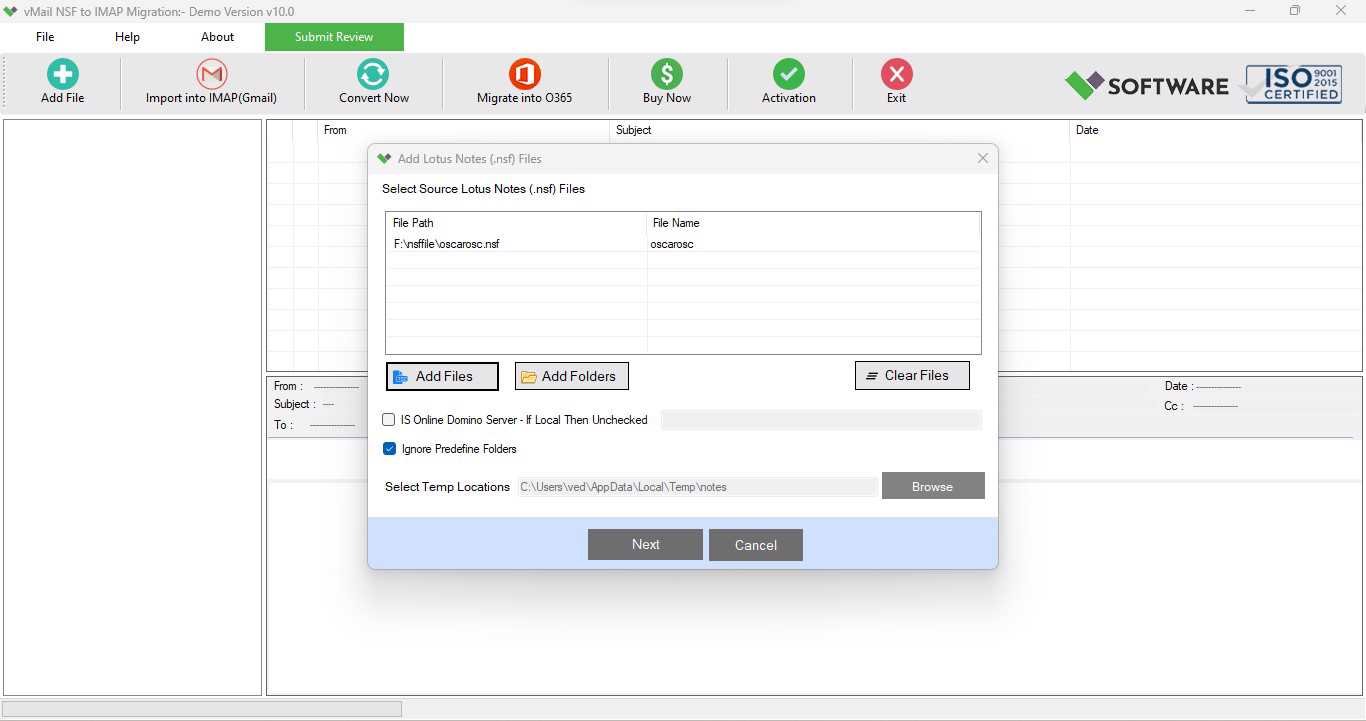
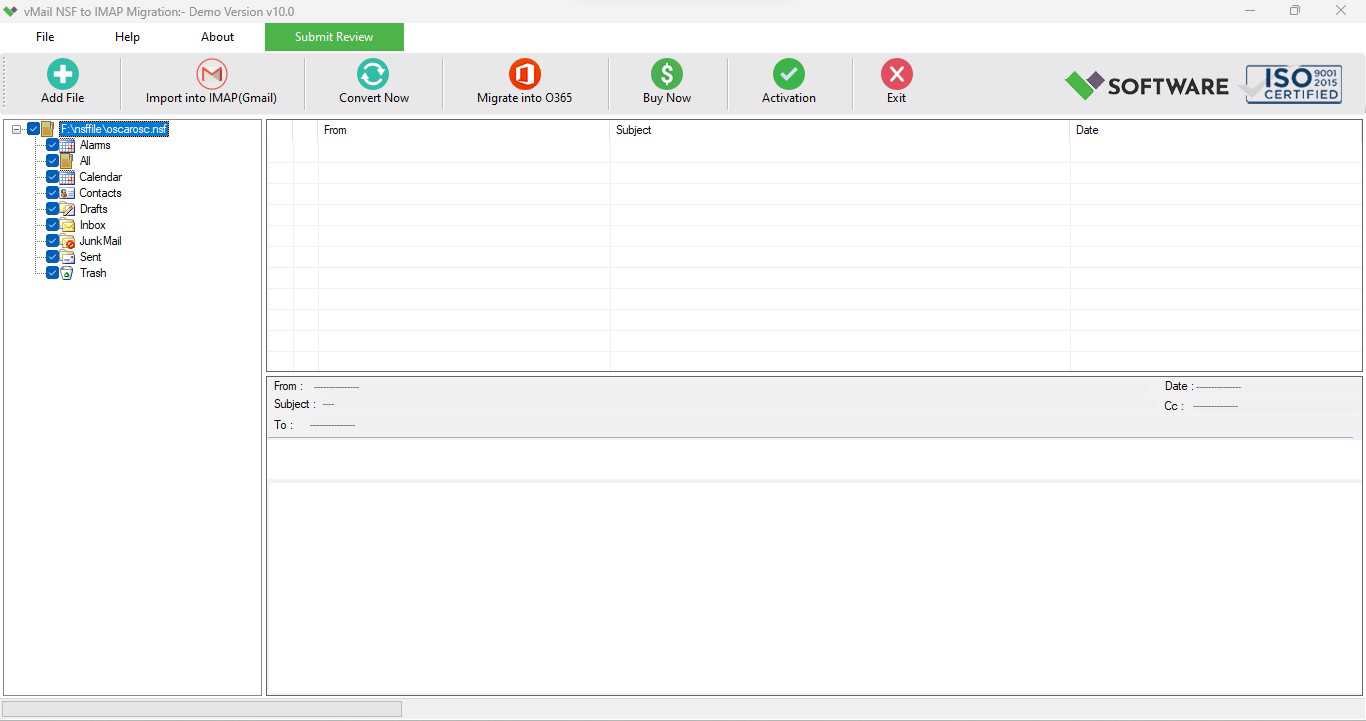
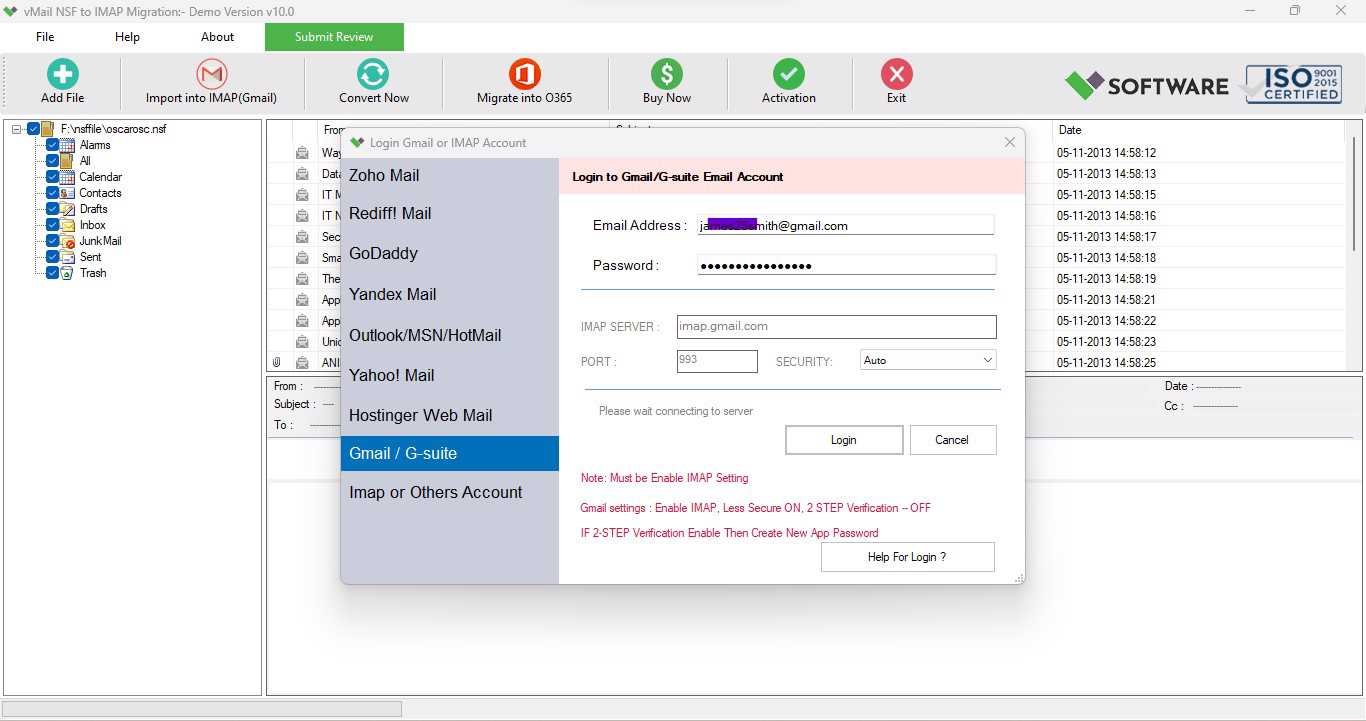
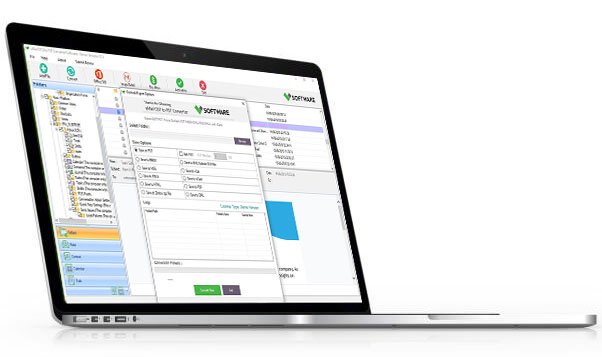
A step-by-step guide to using vMail NSF to IMAP Migration into importing Lotus/HCL Notes(*.nsf) file for IMAP - Gmail/Gsuite and Live Exchange Server
DetailsSoftware Screenshots
System Requirements
- Processor Pentium Class
- Operating System Windows 11, 10, 8.1, 8, 7, Vista, XP
- Memory Minimum 128MB RAM (512MB recommended)
- Hard Disk 150 MB of free space for Software installation
What Our Client Say ?
Synergistically engineer functionalized applications rather than backend e-commerce.

I converted multiple lotus NSF files to Office 365 without losing a single email. The folder structure was flawlessly well-maintained. Highly recommended!”
Outstanding performance. Large Lotus notes NSF files were moved smoothly with no errors. Positively a reliable product for businesses.”
A very user-friendly tool. As a non-technical user, I completed the conversion to IMAP without any help. Fantastic software!”

FAQ's
Does this software require Lotus Notes installation?
Yes, lotus notes must be installed on your Systems to download the software for migration.
Does the software preserve the folder structure during migration?
Yes, the vMail NSF to IMAP Migration Software preserve original folders structure, emails formatting and attachments during the migration.
Is there any file size limitation for NSF migration?
No, the software will not support any size limitation for NSF file to convert database.
Does the tool support batch migration?
Yes, users can migrate multiple NSF files at once using the software.
Is the software easy for non-technical users?
Yes, the software made with easy graphical user interface and the both technical and non-technical person can operate this for migration.