100% Safe
& Secure
1 Year
Free
Support
Money Back
Guarantee
Lifetime FREE
license
Outstanding Features of NSF Converter Software
Now makes your lotus notes to MBOX Conversion easy with using this best vMail NSF to MBOX Converter Software. It is the powerful application which allows you migrate mail folders from lotus notes Mailbox to MBOX compatible email platform. Export and Import NSF Files to MBOX with all emails, contacts and with advanced features.
Effortless NSF to MBOX Conversion
Smoothly extract lotus notes NSF Files and Import NSF to MBOX format without loss data by taking help of vMail NS to MBOX Converter Software. It let you add selective single and multiple NSF mailboxes and emails with attachments and export into MBOX that you can open in any email clients such as- thunderbird, Opera Mail etc.
Preserves Original Folder Structure
Export NSF to MBOX File without losing the original folders structure and hierarchy. The vMail NSF Converter Software ensures the entire emails, folders, calendars remain organized exactly as they were, providing a smooth viewing experience in thunderbird, Apple Mail, and other email clients.
Compatible with Major Email Platforms
Recover NSF file and Convert them to a wide range of most popular email application such as- Apple Mail, Thunderbird, Opera Mail, SeaMonkey, Netscape and Eudora etc. the NSF Converter Software allows you convert NSF file to MBOX and eliminates compatibility issues. It also ensures seamless access across different platform.
Smooth Migration to Apple Mail
With using this wonderful NSF to MBOX Conversion Software, you can convert al the data from Lotus notes NSF file to MBOX format. It has easy graphical user interface and provides easy process to Import NSF file to MBOX file with preview option. A converted MBOX file, you can open Apple Mail and other mail etc.
Supports Multiple Versions
Download vMail NSF to MBOX Converter Software supports lotus notes versions included- 10.0.1, 9.0.1, 9.0, 8.5, 8.0.2, 7.0, 6.5 & 6.0 and works on all windows OS supported versions included- Windows 98 to Windows 10. It enables effortless data migrate to email clients such as- Eudora, SeaMonkey, and Netscape.
Advanced Filters for Selective Export
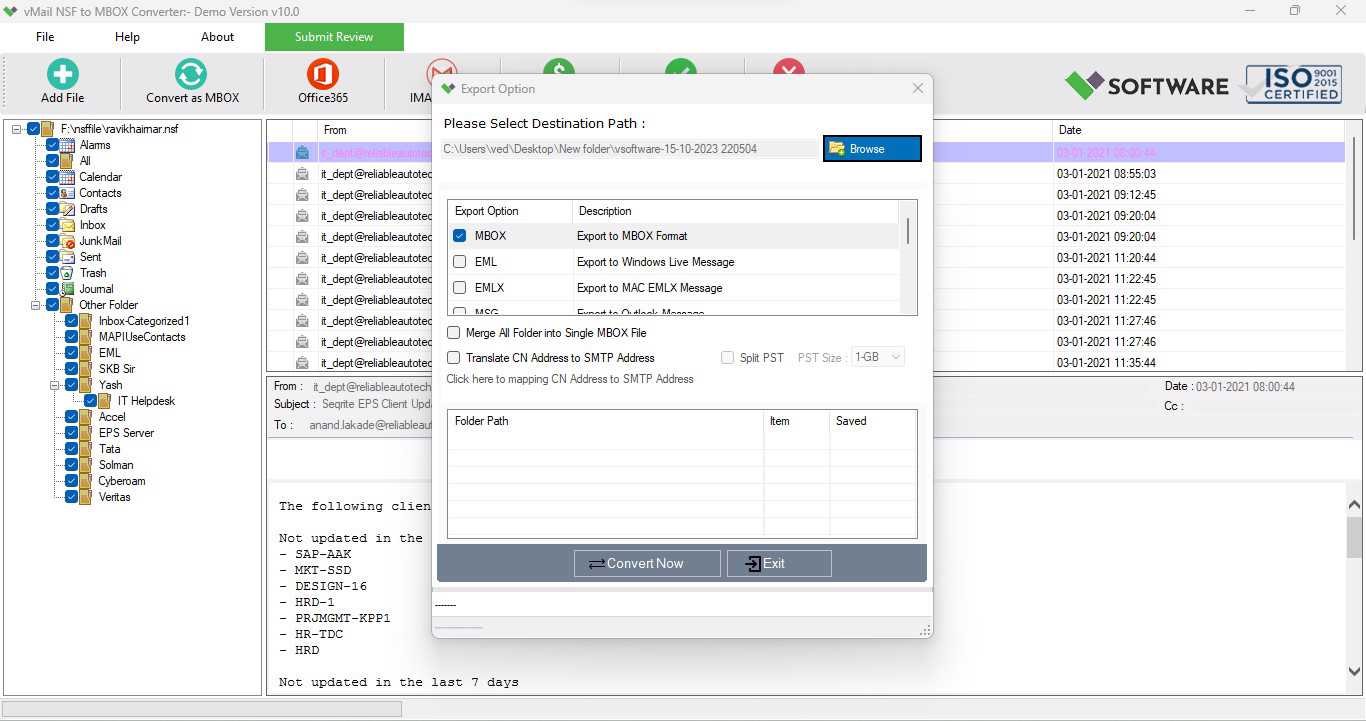
The software provides date filtering option to Convert IBM notes to MBOX according to dates selection. Exclude unnecessary items such as contacts, journals or send emails & save valuable time and storage by migrating only relevant content within your preferred date range.

How vMail NSF to MBOX Converter Tool Works
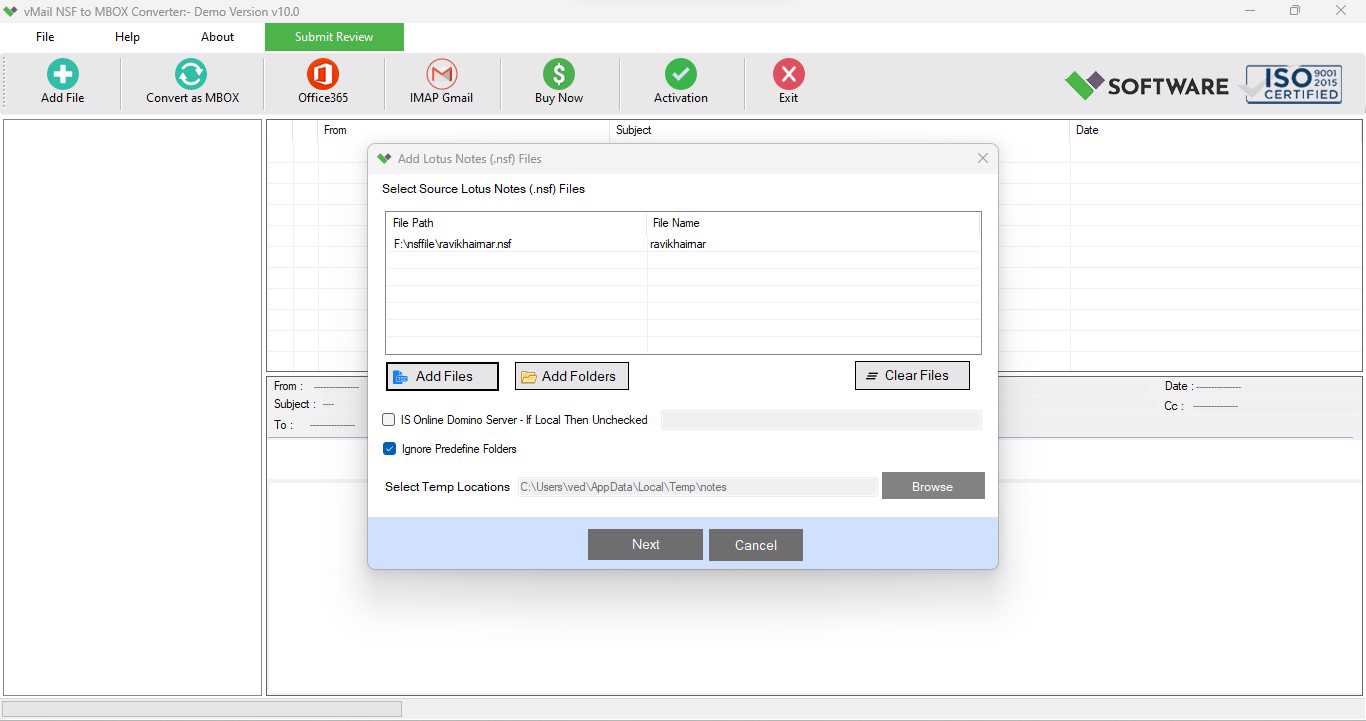
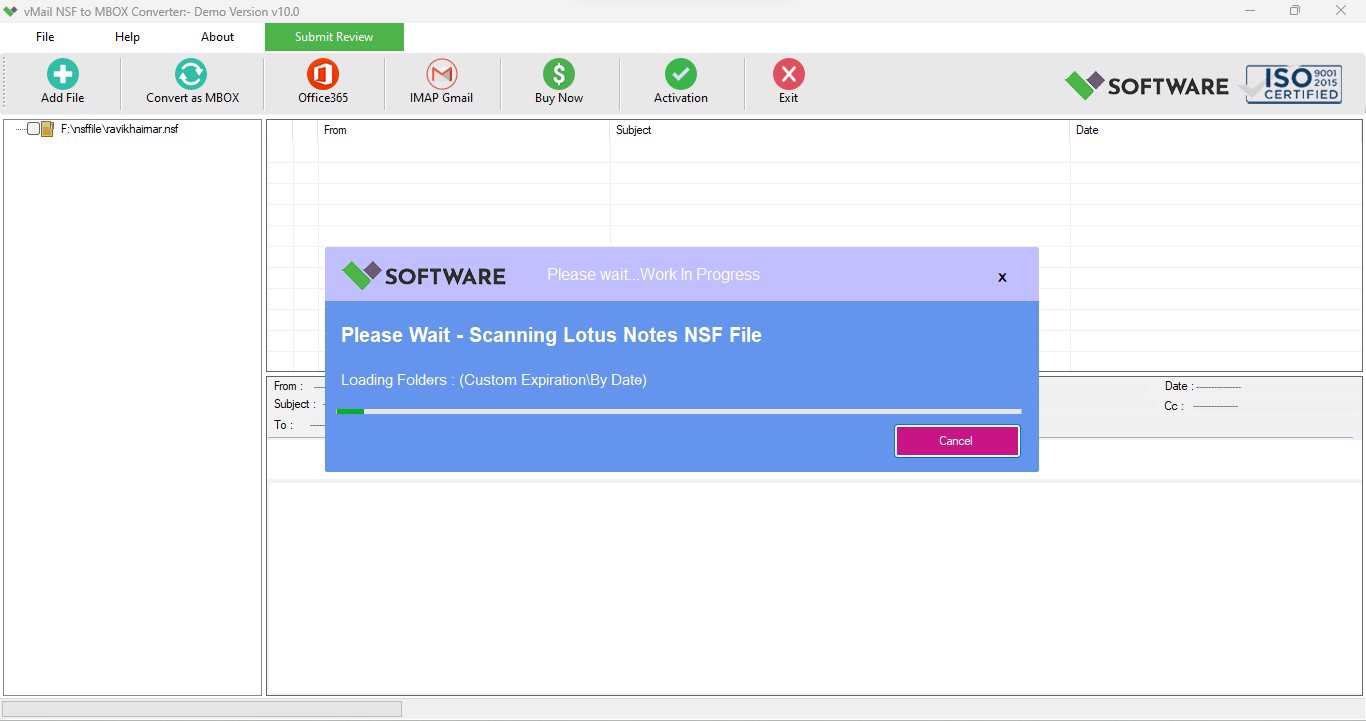
A step-by-step guide to using vMail NSF to MBOX Converter to easily convert lotus notes message from (*.nsf) files and Output - MBOX File Format Supported Apple Mail, Thunderbird, Spicebird, SeaMonkey, Netscape and Eudora email clients. vMail NSF to MBOX Converter supported lotus notes versions:-12, 11, 10.0.1, 9.0.1, 9.0, 8.5, 8.0.2, 7.0, 6.5 and 6.0. etc - *.NSF Files.
DetailsSoftware Screenshots
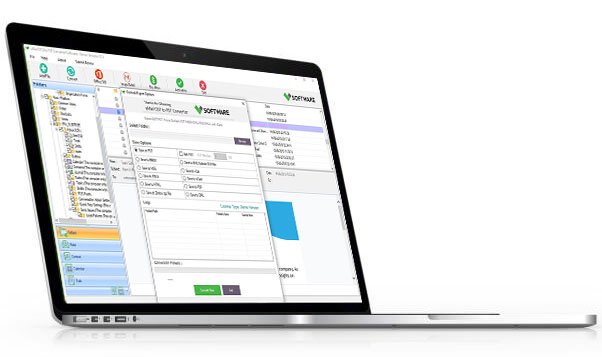
System Requirements
- Processor Pentium Class
- Operating System Windows 11, 10, 8.1, 8, 7, Vista, XP
- Memory Minimum 128MB RAM (512MB recommended)
- Hard Disk 150 MB of free space for Software installation
What Our Client Say ?
Synergistically engineer functionalized applications rather than backend e-commerce.

“I had compatibility issues with Lotus Notes data, but this tool solved everything. Worked smoothly with Apple Mail.
Great software! I successfully recovered and exported more than 10GB of lotus notes NSF files to MBOX without any data loss. Very user-friendly.
I used vMail NSF to MBOX Converter Software to import my Lotus Notes data to Thunderbird. The process was smooth and error-free. Highly suggested!”

FAQ's
Can I convert multiple NSF files at once?
Yes, with software you can convert multiple items from NSF file at once without data loss.
Does the software support encrypted NSF files?
Yes, the software is capable to convert data from encrypted NSF File and import into MBOX.
Is the software compatible with all Windows versions?
Yes, the vMail NSF to MBOX Converter Software supports entire major windows versions included- 98, XP, Vista, 7, 8, 8.1, and 10.
Is there a feature for selective data export?
Yes, you can use advanced date filter feature of the software to convert data between specific period of time.
Which email clients support the MBOX output format?
MBOX files created by the tool can be opened in Apple Mail, Thunderbird, Opera Mail, Entourage, SeaMonkey, Eudora, and other MBOX-compatible applications.