100% Safe
& Secure
1 Year
Free
Support
Money Back
Guarantee
Lifetime FREE
license
Migrate Emails from Office 365 with Office 365 Migration Tool
With downloading the best Office 365 Email Migration Software you can recover and migrate emails from Office 365 accounts into PST formats without problem. Software allows users to for Office 365 mailboxes and emails with attachments migration along with emails, contacts, calendars, task, notes, journals and etc. Users can add office 365 accounts, migrate mailboxes and save the exported data to a selected location without data difficulty.
Multi-Account Migration
vMail Office 365 Mailbox Migration Software easily works to recover data from Office 365 and also Migrate single or multiple Office 365 accounts simultaneously while ensuring complete data integrity, even during large-scale migrations.
Comprehensive File Support
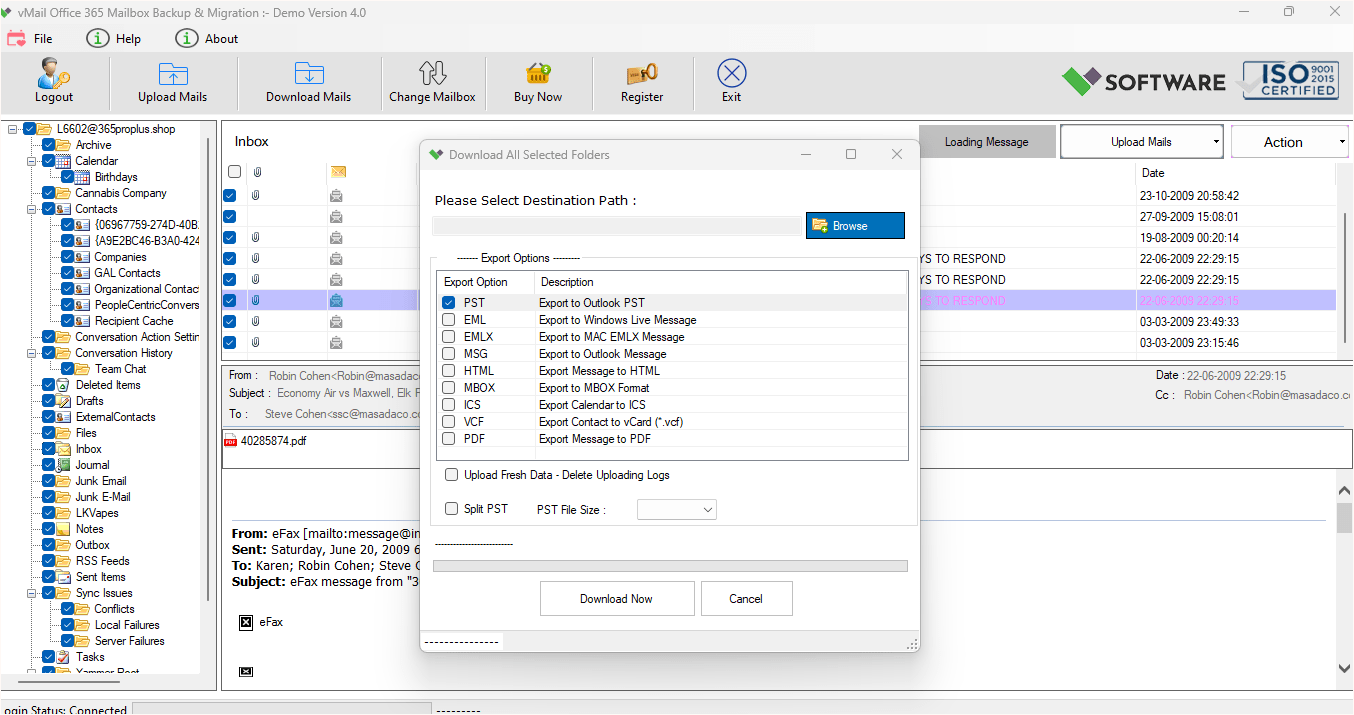
With using this advanced Office 365 migration tool you can import EMLX, OST, MSG, EML, PST, MBOX, and Thunderbird files and export them into multiple formats such as MSG, MBOX, PST, EML, HTML, ICS, VCF, and PDF.
Smart Data Extraction
Download vMail Office 365 Email Migration Software gives easy process to users to perform Extract mailbox data from various file formats and migrate it to Outlook PST with minimal effort and high accuracy.
Built-In Data Preview
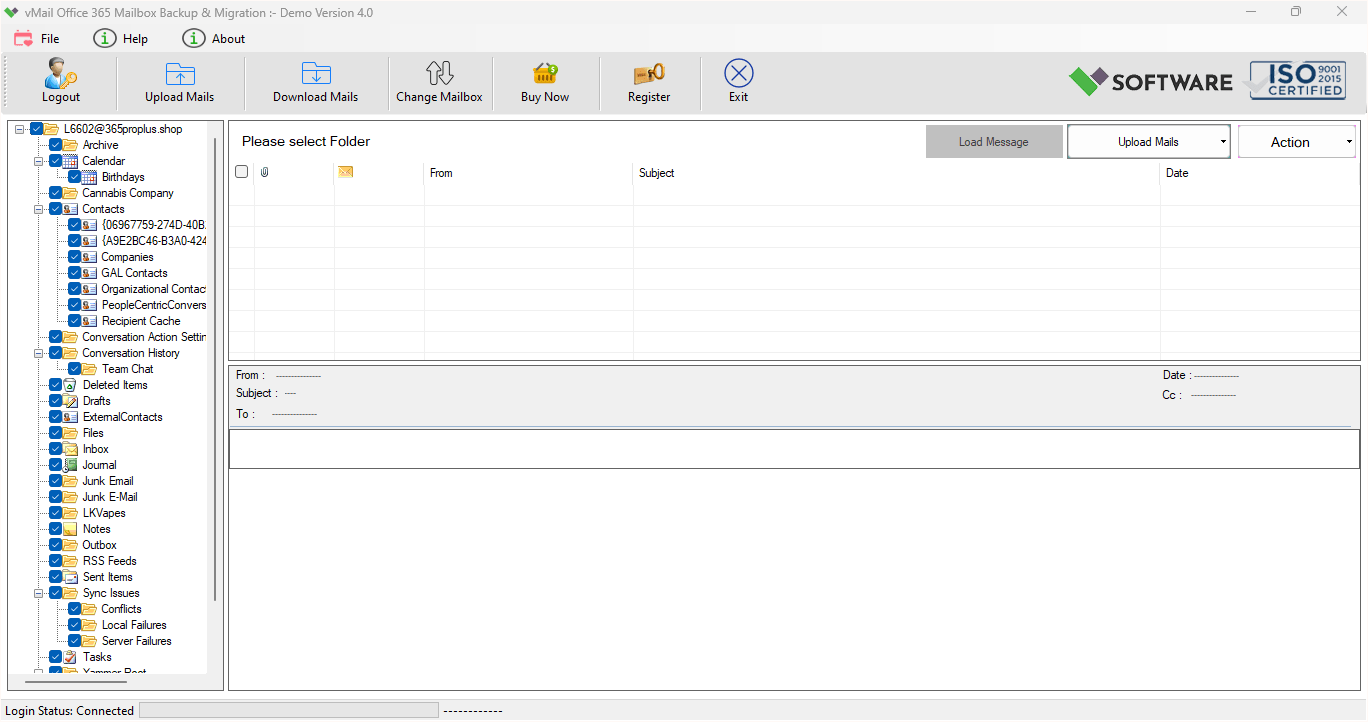
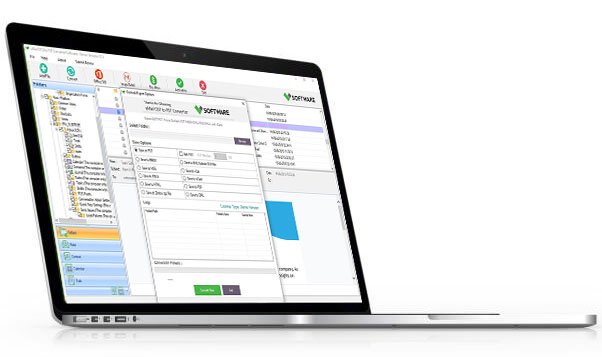
vMail Office 365 Mailbox Migration Software gives full preview of mailboxes items such as- emails, calendars, task, notes, inbox items, outbox items and other items before ensure accurate migration.
Folder Structure Preservation
The wonderful Office 365 Email Migration Software securely works to recover and migrate emails from Office 365 with Keeps original folder hierarchy, subfolders, email formatting, and message properties intact throughout the migration process.
Wide Compatibility & No Size Limit
Superb Office 365 Migration tool is Fully compatible with all Outlook versions up to 2023 and Windows up to 11. The advanced tool supports unlimited file sizes for smooth and stress-free migration.

How vMail Office 365 Mailbox Backup Tool Works
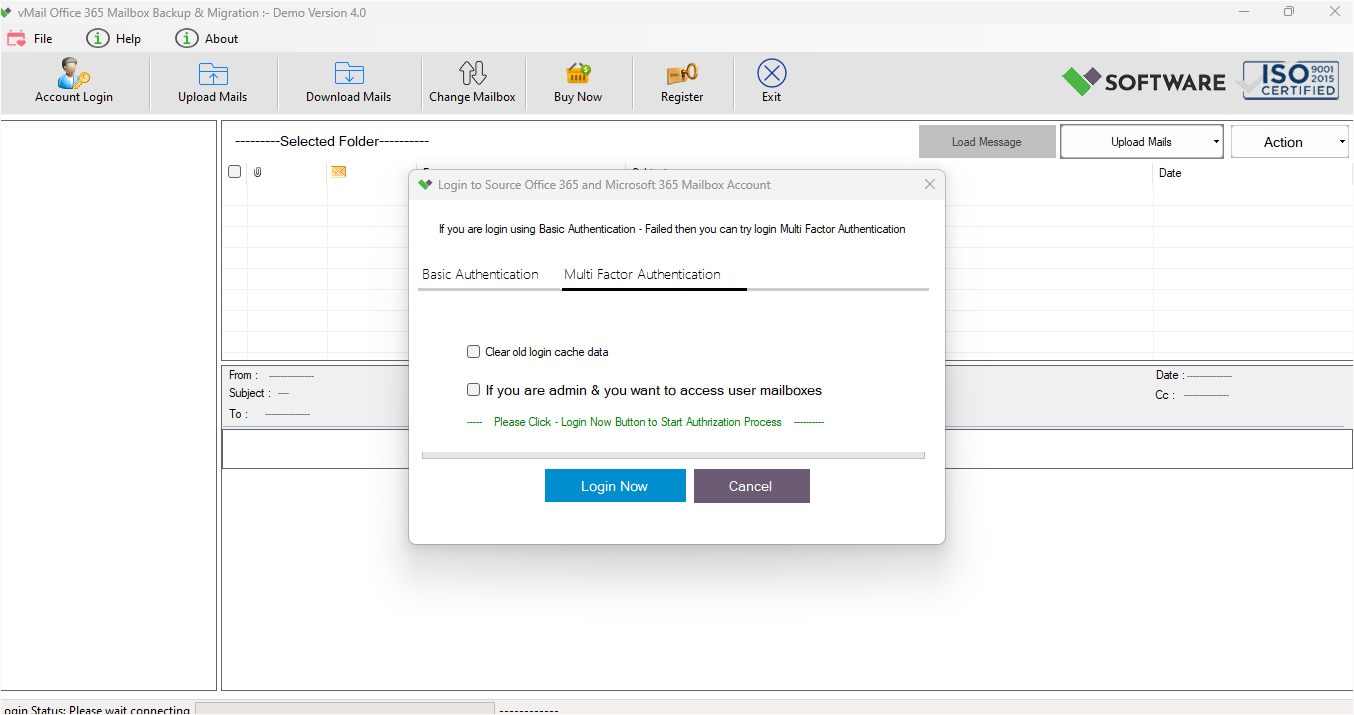
A step-by-step guide to using vMail Office 365 Mailbox Backup to easily get user mailbox backup and Migartion from Outlook PST File, EML, MSG, MBOX file and get backup into Outlook PST File, EML, MSG, MBOX and PDF File Format.
DetailsSoftware Screenshots
System Requirements
- Processor Pentium Class
- Operating System Windows 11, 10, 8.1, 8, 7, Vista, XP
- Memory Minimum 128MB RAM (512MB recommended)
- Hard Disk 150 MB of free space for Software installation
What Our Client Say ?
Synergistically engineer functionalized applications rather than backend e-commerce.

“The user-friendly interface and smooth performance impressed me. Migrating multiple Office 365 accounts at once saved a lot of time. It worked perfectly with all my Outlook versions.”
“The ability to convert Office 365 data into multiple formats is outstanding. The software handled large files effortlessly while maintaining data integrity. Highly recommended!”
“vMail Office 365 Mailbox Migration Software made our email migration process extremely smooth and hassle-free. The tool is easy to use, supports multiple accounts at once, and maintains complete data integrity. We were able to preview data before migration and convert mailboxes without any errors. Highly reliable and professional software.”

FAQ's
What is vMail Office 365 Mailbox Migration Software?
vMail Office 365 Mailbox Migration Software is a professional which easily allows you recover data from office 365 and also migrate Office 365 mailboxes to formats like PST, EML, and MBOX while preserving data integrity.
Can I migrate multiple Office 365 accounts at the same time?
Yes, the vMail Office 365 Mailbox Migration software supports simultaneous migration of multiple Office 365 accounts efficiently and securely.
Which file formats are supported for conversion?
The vMail Office 365 Mailbox Migration tool supports PST, EML, MSG, MBOX, HTML, ICS, VCF, and PDF formats.
Can I preview mailbox data before migration?
Yes, the preview feature allows users to check emails, contacts, calendars, tasks, and more before final migration.
Do I need any additional software to run this tool?
No, vMail Office 365 Mailbox Migration Software is a standalone solution and does not require any third-party tools.