100% Safe
& Secure
1 Year
Free
Support
Money Back
Guarantee
Lifetime FREE
license
Useful Features of best Office 365 Migration & Email Backup Tool
With downloading the best vMail Office 365 Migration tool all users can perform well in converting and migrating their data from office 365 accounts into PST and other provided format. The software let you export emails with attachments. it has easy user interface that can be operated by tech or non-tech users to Export Office 365 to PST file. Have several advanced features of the software that helps to solve all migration issues without problem.
24/7 Technical Support for Migration
vMail Office 365 Email Migration tool is made with easy technique and user-friendly interface, so all users can use it— no technical background required. If in case you face any issue during migration or backing up your emails, our experts support team is available 24 hours to help you. Contacts us anytime by live chat for quick help.
Import OST and PST Files to Office 365 Easily
Along with backing up your important O365 emails and mailboxes, the software allows you import Outlook OST and PST Files into Office 365 accounts. The feature is best for users who want to Migrate Outlook data or restore specific emails. It converts and upload file to the desired format with full security.
Remove Duplicate Emails Automatically
Keep your Office 365 mailbox organized and clean. The Office Email Backup Tool automatically detects and remove duplicate message based on sender, subjects, Bcc, recipient and email content. This helps improve email storage and ensures efficient mailbox management.
Export Office 365 Emails to Multiple File Formats
With downloading the best vMail Office 365 Email Migration Tool you can Migrate Office 365 mailboxes data into more than 15 file format such as- OST, PST, EML, MBOX, EMLX, CSV, MSG, MHTML, DOCX, TXT and Doc. The software is capable to backup, archive, share or migrate emails to another platform whenever needed.
Migrate Emails Using Date Filters
The software provides date filtering option by which you can filter the emails by date range such as” from date” to “to date” to migrate only required data in specific period of time. You can also transfer required emails and folders with preserve folders structure, emails formatting and properties- to, bcc, cc, time and etc during migration time.
Compatible with All Windows Versions
The vMail Office 365 Email Migration Tool works easily with the entire version of Windows such as- Windows 11, 10, 8.1, 8 and below versions. No matte which version you use, you will easily perform your migration and backup task with our best software without facing problem.

How to Work Email Migration Tool
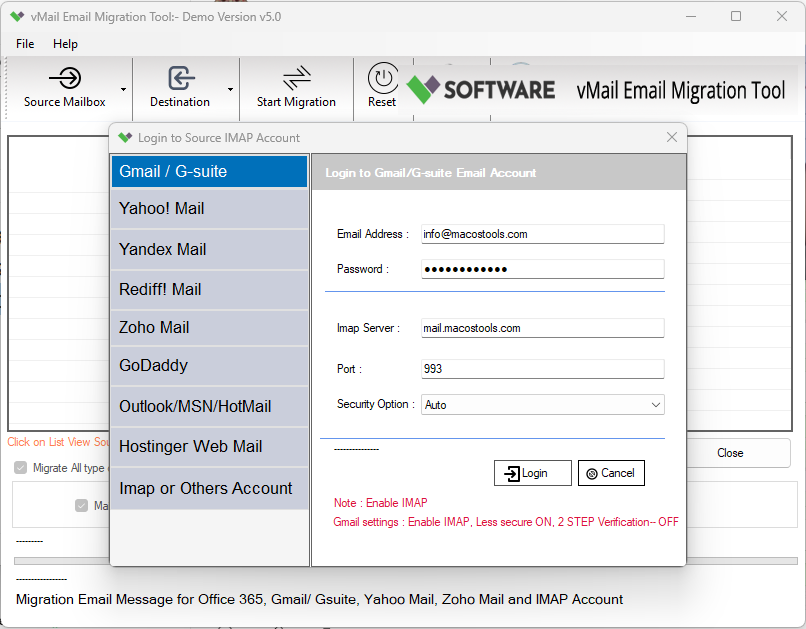
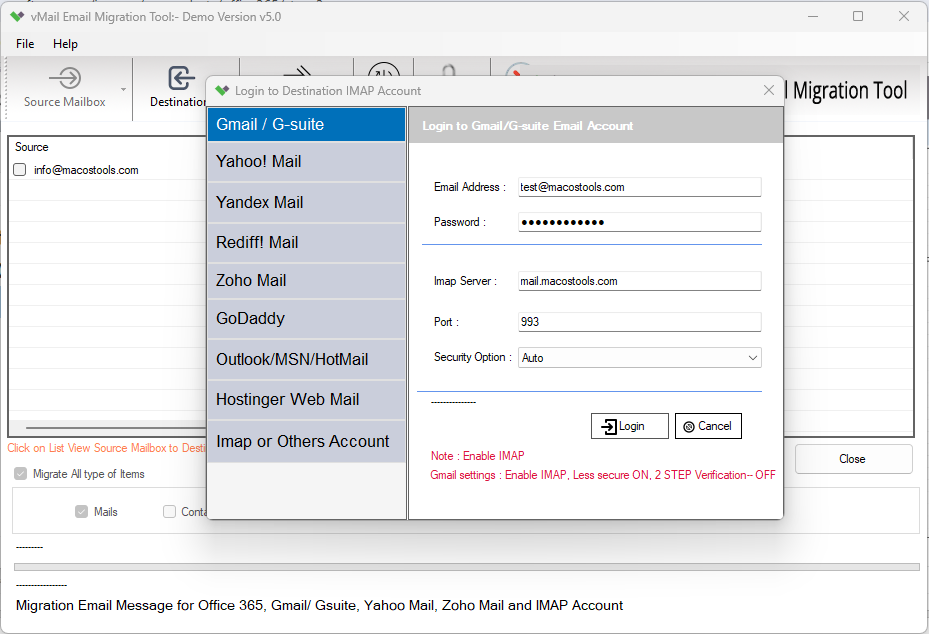
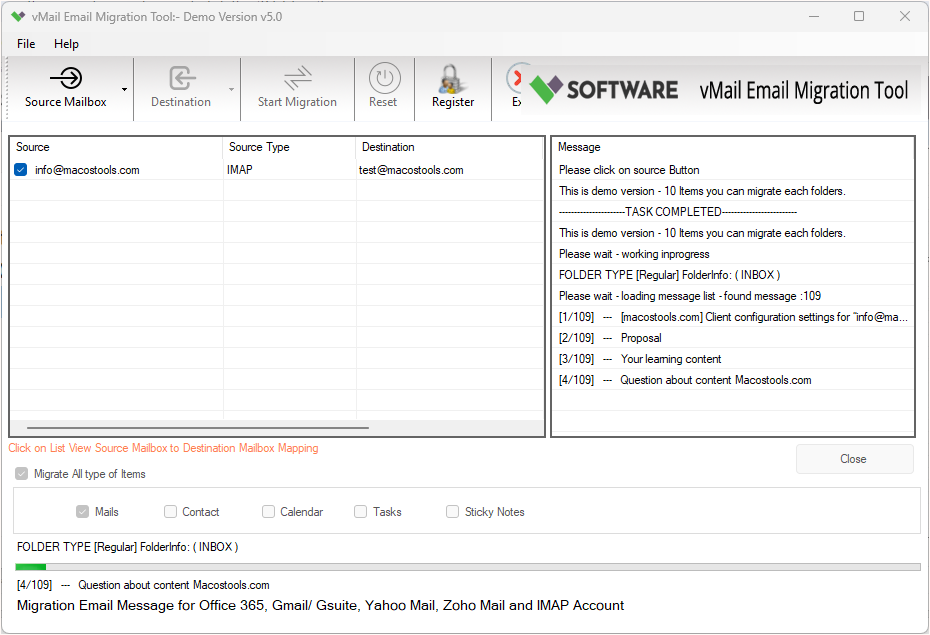
How to Works Email Migration Tool which is migrate Gmail, Office 365 or IMAP Account to another Gmail, Office 365 or IMAP Account
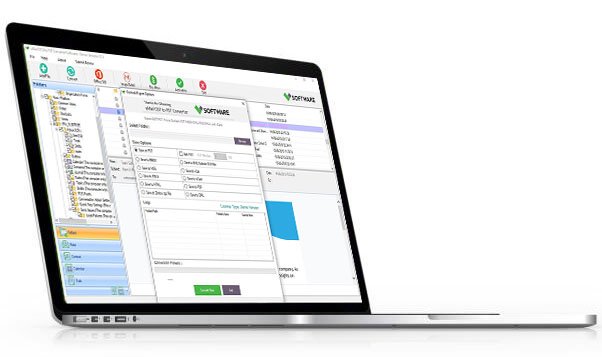
DetailsSoftware Screenshots
System Requirements
- Processor Pentium Class
- Operating System Windows 11, 10, 8.1, 8, 7, Vista, XP
- Memory Minimum 128MB RAM (512MB recommended)
- Hard Disk 150 MB of free space for Software installation
What Our Client Say ?
Synergistically engineer functionalized applications rather than backend e-commerce.

I used the vMail Office 365 email backup tool to migrate all my company emails into PST format. The process was reckless and totally error-free.
Outstanding tool for Office 365 backups. The duplicate email remover is very supportive. Would love to see even faster performance in future updates.”
I’m not very technical, but I found this Office 365 email backup tool super easy to use. The interface is clean, and support was available instantly through chat

FAQ's
Can I use this tool without technical experience?
Yes, you can use this vMail Office 365 Migration tool without technical knowledge because it has simple user interface and provides all instruction to users to perform their task without problem.
Does the tool maintain the folder structure and email formatting?
Yes, the software maintains folders structure, emails formatting and attachment attributes during backing and migration time.
Is there an option to remove duplicate emails?
Yes. The office 365 email backup tool comes with best feature that allows you to remove all duplicate emails based on recipient, subjects, sender and etc.
What kind of support is available if I face an issue?
We provide 24 hours technical supports, where you can chat with our experts to solve your problem at free of cost.
Can I back up multiple Office 365 accounts at once?
Yes, you can do this with our software. It supports batch and selective items conversion from office 365.