100% Safe
& Secure
1 Year
Free
Support
Money Back
Guarantee
Lifetime FREE
license
Magnificent Key Features of OLM to MBOX Converter Software
vMail OLM to MBOX converter for mac Software allows users to Convert the OLM Emails files to MBOX format without problem. Without any modifications or alteration in original data, you can Convert/ Import OLM file to MBOX in less time. Read all features of the software and makes OLM File to MBOX Conversion.
Complete OLM to MBOX Conversion
Easily convert your entire Outlook for Mac (OLM) mailbox to MBOX format in just one go. With the vMail OLM to MBOX Converter Software, you can effortlessly export emails, calendars, tasks, contacts, notes, journals, and even custom folders.
Batch Export Multiple OLM Files Instantly
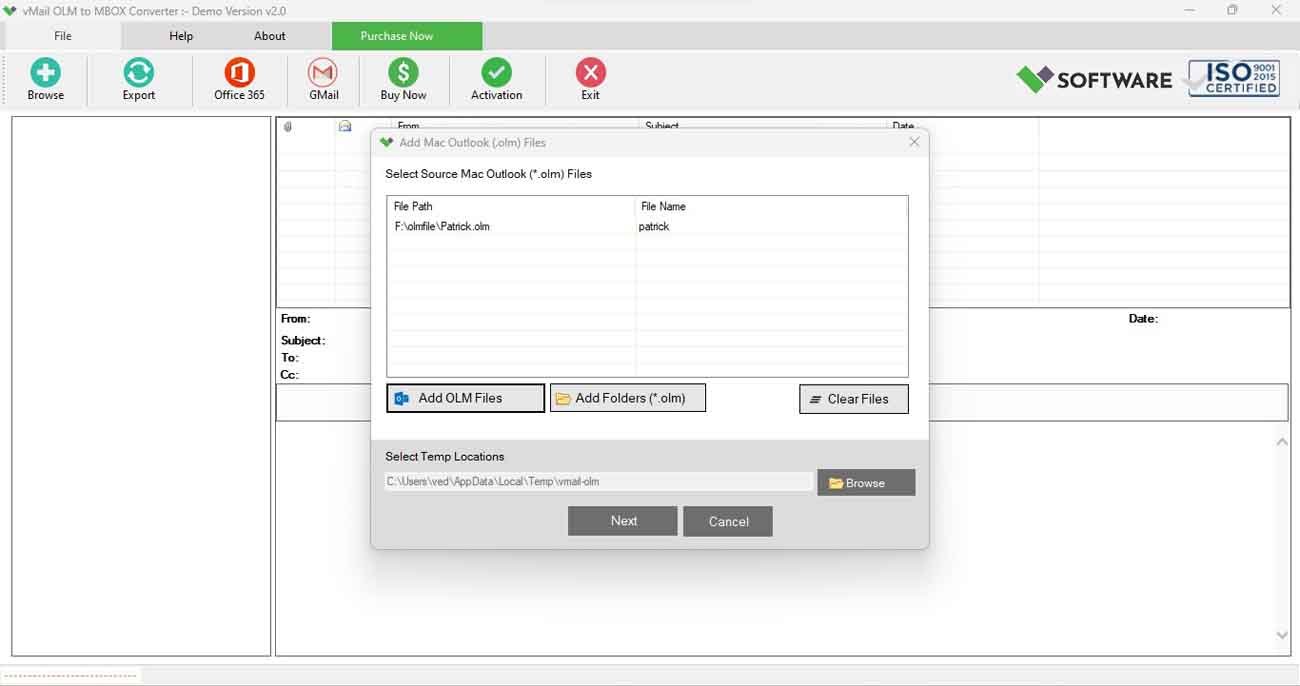
Speed up your workflow with advanced file selection options. The vMail OLM to MBOX Mac tool allows you to recover and convert single or multiple OLM files simultaneously and Import without problem.
Smart Date Range Filter
Need specific data? Use the vMail OLM to MBOX Converter Software, built-in Date Filter to include or exclude emails and items within a defined date range. Just set your start and end dates to filter the emails content exactly before conversion.
Live Preview Before Conversion
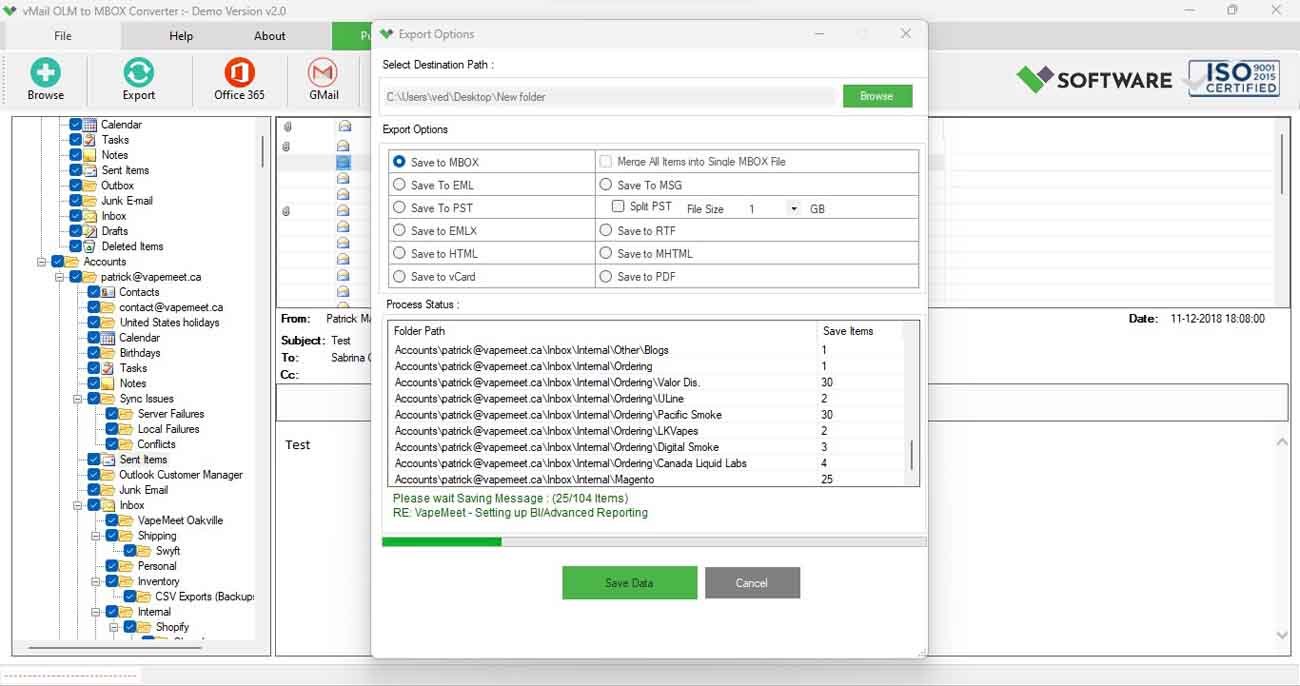
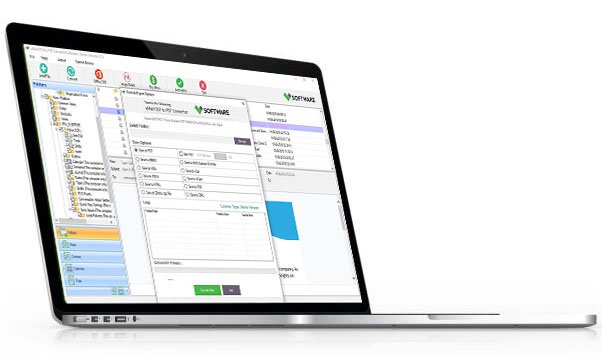
Ensure accuracy with the live preview feature. View detailed information from your OLM files—such as date, attachments, subject, sender, and content—before finalizing the conversion. The OLM to MBOX software presents everything in an intuitive, tree-structured layout.
Preserves Original Folder Hierarchy
Stay organized. The vMail OLM to MBOX Converter Software maintains the exact folder structure of your Mac OLM files, ensuring that your emails and folders appear in the same layout after conversion.
Export to Multiple Formats
Need more than just MBOX? This versatile vMail OLM to MBOX Converter Software also supports conversion to other popular formats, including EML, PDF, EMLX, PST, HTML, MSG, CSV, and more—making it compatible with various email clients and platforms.

How vMail OLM to MBOX Converter Works
Know How to use OLM to MBOX Converter to export OLM file to MBOX Supported Apple Mail, Thunderbird etc.
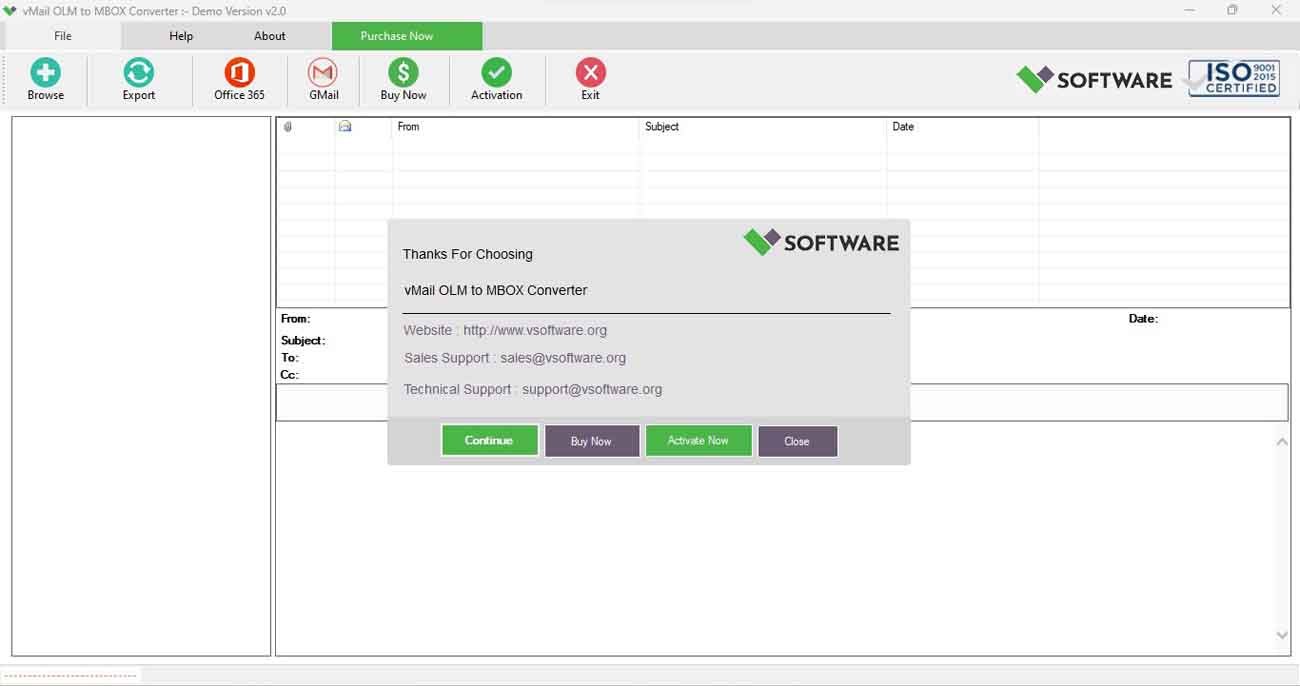
DetailsSoftware Screenshots
System Requirements
- Processor Pentium Class
- Operating System Windows 11, 10, 8.1, 8, 7, Vista, XP
- Memory Minimum 4GB RAM (4GB recommended)
- Hard Disk 150 MB of free space for Software installation
What Our Client Say ?
Synergistically engineer functionalized applications rather than backend e-commerce.

I switched from Outlook for Mac to Thunderbird, and this vMail OLM to MBOX Converter made the process seamless. A fantastic investment.
We used this in our department to archive old OLM files into MBOX. Worked flawlessly, and the support team was super helpful!
Tested many tools, but vMail offered the best balance of features and simplicity. It even supports converting to PST and PDF!

FAQ's
Can I convert multiple OLM files at once?
Yes, the vMail OLM to MBOX Converter software supports bulk conversion. You can add multiple OLM files and convert them all to MBOX format in a single operation.
Does vMail OLM to MBOX Converter Software work on Mac?
Yes, vMail proposals a keen OLM to MBOX Converter for Mac, completely well-matched with macOS systems for all-in-one file conversion.
How do I convert an OLM file to MBOX format?
To convert OLM to MBOX:
1. Launch vMail OLM to MBOX Converter Software
2. Add your OLM file(s)
3. Preview and select the data
4. Choose MBOX as the output format
5. Click Convert
Will the folder hierarchy remain intact after conversion?
Absolutely. vMail OLM to MBOX Converter Software guarantees the original folder structure and email metadata (To, From, Date, Subject) are preserved during the conversion.
Is technical support available if I face issues?
Yes, vMail offers 24/7 customer support to help you resolve any technical or usage issues you may encounter while using the software