100% Safe
& Secure
1 Year
Free
Support
Money Back
Guarantee
Lifetime FREE
license
Best Key Features of vMail OST to PST Converter Software
Download vMail OST to PST Converter Software that made with unique technology and provides several features during conversion time. You can download its free demo version and use all software working but the demo comes with some limitation you can save only limited emails in required format. For complete conversion, there need to purchase full version of the software. Read below all features of the software.
Efficiently Manage Large PST Files
Use vMail OST Converter to PST Software that is powerful and has multiple in built features, allowing you split oversized PST Files into smaller, more manageable parts. This helps prevent performance issues in Outlook and keeps it away from 2GB size limitation corruption issue.
Preview Your OST Data Before Conversion
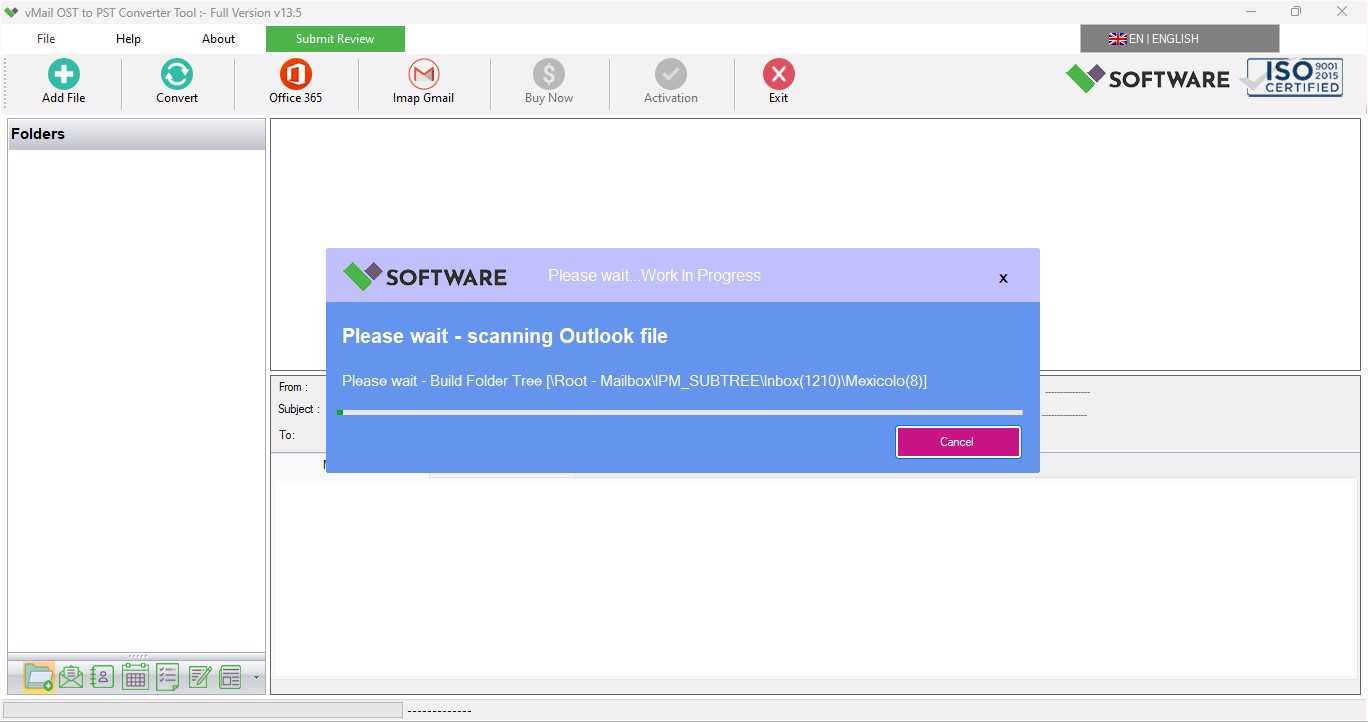
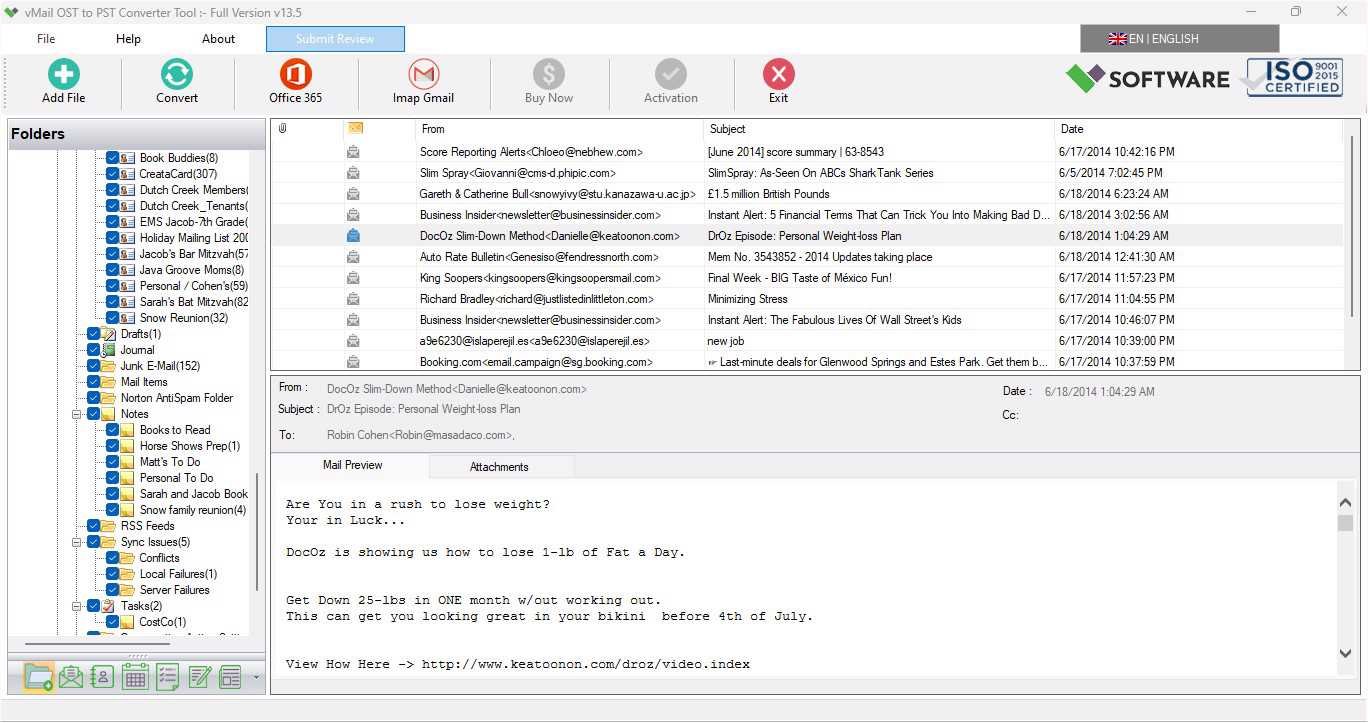
Before starting the conversion process, vMail OST to PST Converter Software deeply scans OST File and preview all OST Mailboxes items such as- emails, contacts, calendars, tasks, notes, and more. It Convert OST File to PST file with preserve all folders structure.
Supports a Wide Range of Formats and Platforms
vMail OST to PST Converter Software supports multiple saving option such as PST, EML, MSG, HTML, EMLX, PDF, and MBOX. You can also export data directly to platforms like Office 365, Gmail, Live Exchange Server, and IMAP accounts—quickly and effortlessly.
Maintain Original Folder Structure
With the Advanced Date Filter, you can recover and export only the data you need. Select a specific date range to filter and import emails, calendars, contacts, tasks, and more—saving time and reducing unnecessary data transfer.
Advanced Date Filter Option
Whether your Outlook OST file is healthy or corrupted, this OST Converter to PST tool ensures the original Outlook folder hierarchy is conserved throughout the recovery and conversion process. You’ll get a well-organized output with no data loss.
Handle Large and Corrupt OST Files with Ease
No matter how large or damaged your OST file is, vMail OST to PST Converter Software is built to handle it efficiently. Optimized for performance, it quickly repairs and converts large OST files into PST format with emails, contacts, calendars, task, notes and other items.

How to Work OST to PST Converter Software
Know How to use OST to PST Converter to recover and convert OST file to PST file & other formats
DetailsSoftware Screenshots
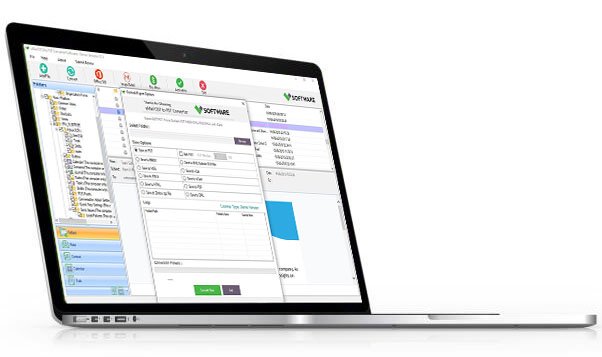
System Requirements
- Processor Pentium Class
- Operating System Windows 11, 10, 8.1, 8, 7, Vista, XP
- Memory Minimum 128MB RAM (512MB recommended)
- Hard Disk 50 MB of free space for Software installation
What Our Client Say ?
Synergistically engineer functionalized applications rather than backend e-commerce.

Very impressed with this vMail Outlook OST file to PST converter Software. The interface is user-friendly and the results are accurate. I was able to convert a 12GB OST file seamlessly.
I had no technical experience, but converting my OST file to PST using vMail’s OST to PST tool was effortless. I especially liked the preview and filtering features.
This OST converter to PST Software helped me recover important business emails I thought were lost forever. The software is worth every penny

FAQ's
How do I convert OST to PST using vMail OST to PST Converter Software?
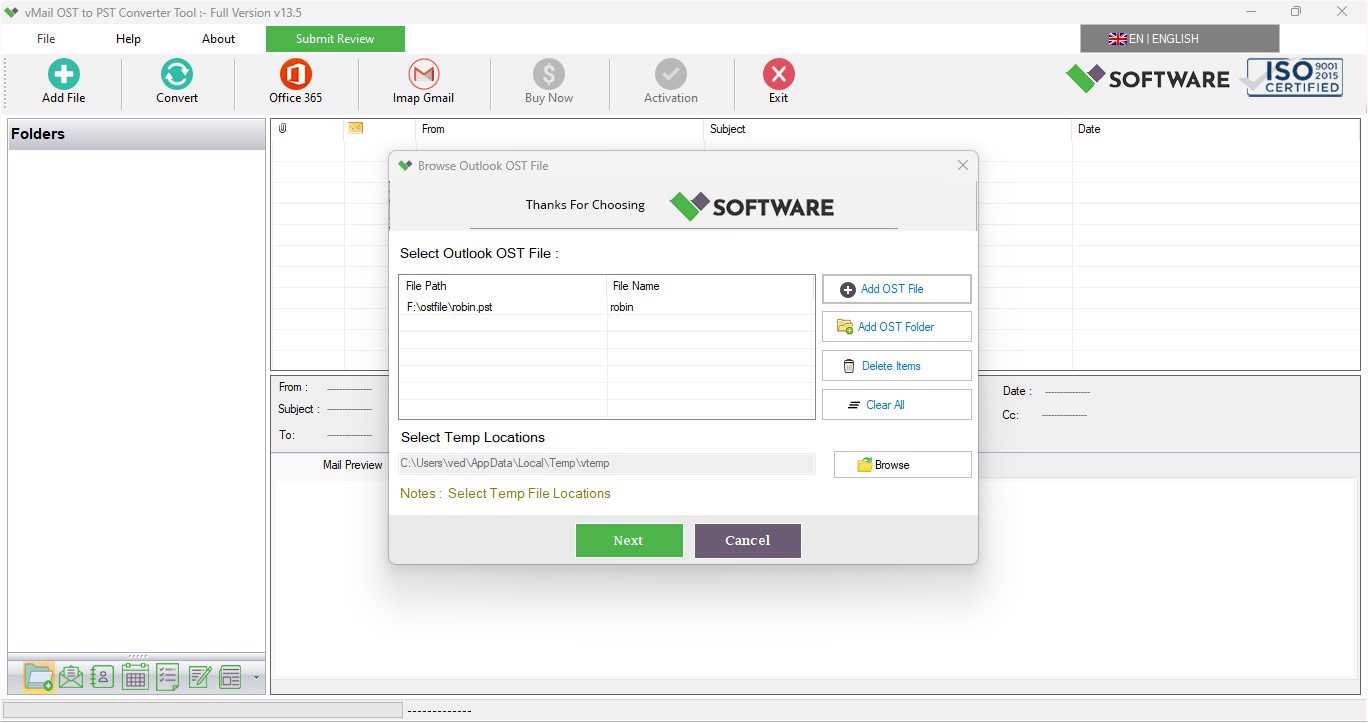
Simply launch the vMail OST to PST Converter tool, add your OST file, preview the data, select the items you want to convert, and choose PST as the export format. Click “Convert” to begin the OST to PST conversion process.
Which formats does vMail OST Converter Software support besides PST?
In addition to PST, this OST converter Software allows export data to EML, MSG, MBOX, PDF, HTML, and EMLX formats. It also supports direct migration to Office 365, Gmail, Exchange Server, and IMAP accounts.
Is there any file size limitation for OST to PST conversion?
No, vMail OST to PST Converter Tool doesn’t support any size, it can convert large OST files of any size and convert them without affecting performance.
Can I use this OST converter tool without Outlook installed?
Yes, the OST File to PST Converter software works independently and does not require Microsoft Outlook to be installed on your system for the OST to PST conversion.
Is there a free trial version available?
Yes, a free demo version of vMail OST to PST Converter Software is available. It allows you to scan and preview your OST file before purchasing the full version for complete conversion.