100% Safe
& Secure
1 Year
Free
Support
Money Back
Guarantee
Lifetime FREE
license
Advanced Key Features of Outlook PST Converter Software
This is one of the best vMail PST data file converter software which smoothly fix all errors, repair outlook mailboxes and Convert Outlook & Import Outlook PST File with emails and attachments without make changes in original database. Software supports all MS Outlook versions and doesn’t impose any size for outlook to add and upload and convert Outlook PST File
Export Your Complete Outlook Mailbox with Ease
vMail PST File Importer Tool is a 100% safe and user-friendly solution designed to Import the entire outlook mailboxes items included- send items, outbox items, journals, task, notes and etc. Its intuitive interface makes it ideal for both professionals and novices, backed by 24/7 technical support to safeguard a smooth migration experience.
Add Multiple Outlook Data Files
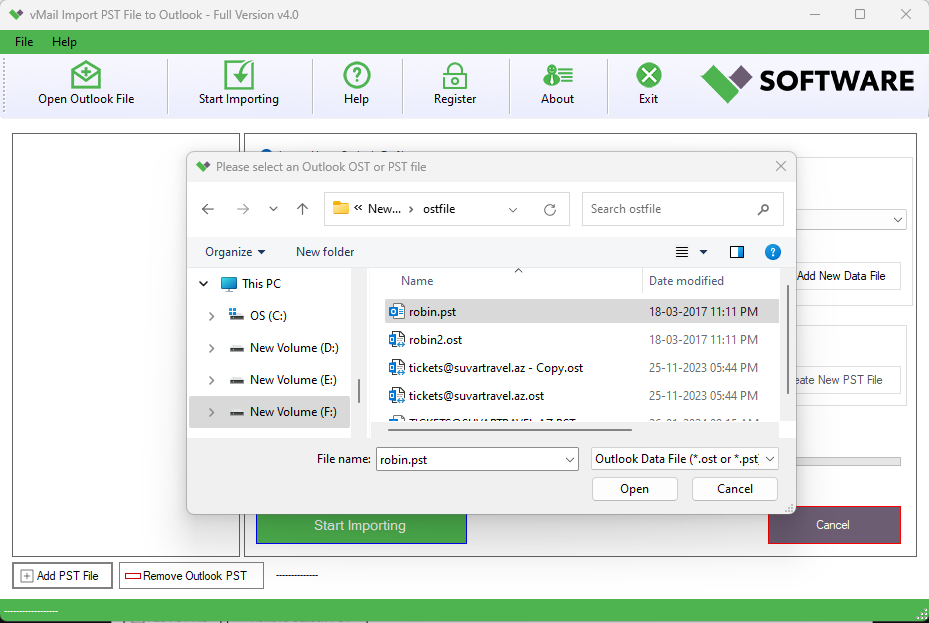
Now save your time and efforts by importing multiple outlook PST File simultaneously. The Outlook PST File Converter Software allows batch conversion of Outlook data files in a single process —making large-scale mailboxes migrate hassle free.
Remove Duplicate Emails
vMail PST Converter software provides best feature by which you can remove duplicate emails from conversion process. It helps you to remove duplicate emails and excluded duplicate items based on parameters such as- bcc, to, from, subjects and etc, ensuring only essential emails are imported.
Preview Mailbox in a Tree Structure
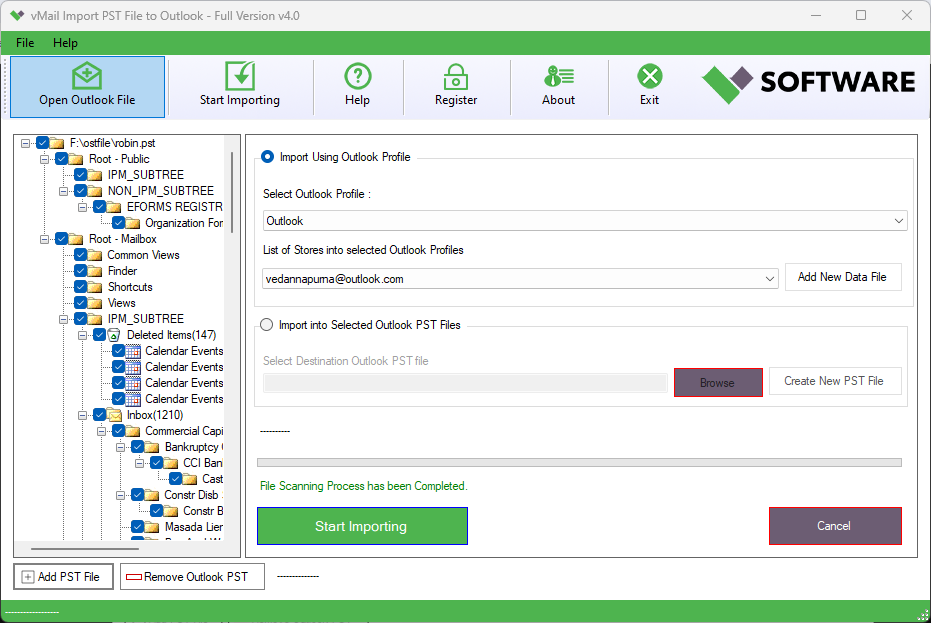
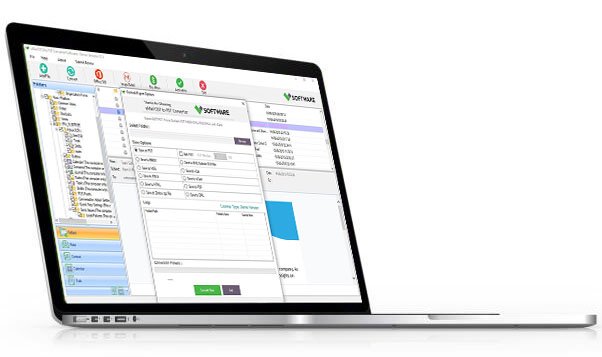
Once the PST File added, the Outlook data file converter software displays a detailed preview in tree like structure. You can view folders, check the number of emails, read message content and verify the presence of attachments all before proceeding with the import.
Advanced Date Range Filter
For migrating the selective period of time, you can use date range filtering option to filter the emails between the two dates and Export, import emails within specific time periods. You can also define multiple date ranges to Import only required emails items with preserve data.
Try the Full-Featured Demo Version
Experience the software working process before purchasing full version of the vMail Outlook PST File Importer Tool. Demo version allows you explore all functionality and Import upto 30 emails per folders, for restoring the complete data, purchase full version of the software.

How vMail Outlook PST File Importer Works
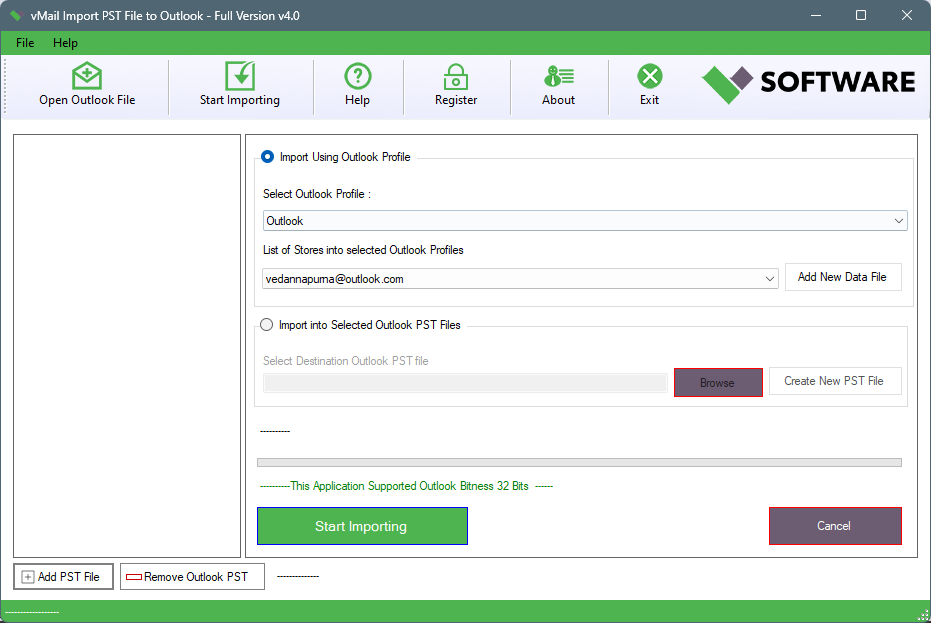
Tool to open any PST file emails, contacts and other data into your Outlook Profile
DetailsSoftware Screenshots
System Requirements
- Processor Pentium Class
- Operating System Windows 11, 10, 8.1, 8, 7, Vista, XP
- Memory Minimum 128MB RAM (512MB recommended)
- Hard Disk 150 MB of free space for Software installation
What Our Client Say ?
Synergistically engineer functionalized applications rather than backend e-commerce.

The 24/7 support team was very receptive and aided me with fitting and setup. Prodigious service skill.
This vMail Outlook PST File Importer tool conserved all my Outlook email formatting and attachments perfectly. No corruption or data loss—truthfully professional-grade software.
I loved the date filter option! It aided me import only the essential emails from a specific period. Outstanding feature set.

FAQ's
Can I import multiple PST files at once?
Yes. The vMail Outlook PST File Importer tool supports batch migration, letting users to add and import multiple PST files with data integrity.
Is the software suitable for non-technical users?
Yes, the software is suitable for non-technical users. It uses simple graphical user interface for conversion.
What are the system requirements for using the tool?
The software supports all MS Outlook versions and Windows OS versions.
Is their technical support available?
Yes. vMail provides 24/7 customer support via chat and email to support you with installation, migration, and troubleshooting.
Does the software maintain data integrity during import?
Yes, the software provides 100% safely for your original database. It will not harm your data, preserve folders structure and emails formatting during conversion.