100% Safe
& Secure
1 Year
Free
Support
Money Back
Guarantee
Lifetime FREE
license
PDF Splitter Free Tool – The Best Option for Splitting Large PDF Files
The vMail PDF Split Tool is an effective and interactive solution that aims to split large PDF files without altering the original database. It provides absolute accuracy in splitting the PDF file either by pages, odd pages, even pages, or specified pages. This is a completely free PDF splitter Software that works best for those who often have to deal with big documents and need a reliable solution that can help them manage PDFs in an organized way without losing any PDF properties.
Download vMail PDF Splitter - Free Tool
By using vMail PDF Split Tool, handling PDF files has been made easy and fast. This tool helps split large PDF files by selecting certain page numbers. This tool also has the feature of merging different PDF files into a single file while retaining the original formatting, quality, and content of the files.
Split Large PDFs into Individual Files
The PDF Split Tool enables one to segment pages in the PDF document to be individual pages. The option to split pages in the PDF document is selected by clicking on the Split by Page option. The pages created are automatically renamed page one, page two, and so on.
Split PDF by Odd Pages
With the Odd Pages split option, you can split all the odd-numbered pages of a PDF file. For instance, in a 20-page PDF, it divides the PDF into another PDF consisting of only 1, 3, 5, and so on.
Merge PDF Files by Page Range
Firstly, the PDF splitter free tool software enables you to combine the selected page ranges in your PDFs so that multiple page ranges can be included in the same PDF. For example, you can extract your selected pages from your PDFs and create your own PDF.
Batch Split or Merge PDFs with Ease
Add Folder allows performing batch operations on several PDF files at once. This function, whether splitting or merging files, ensures the original layout and data integrity of all documents being processed.
Supports Windows and Adobe PDF Versions
vMail PDF Splitter Software supports all major Windows operating systems like Windows 10, 8.1, 8, 7, Vista, and even XP. It also supports all versions of Adobe PDF files, thus assuring the software runs well on different environments.

How vMail PDF File Split Tool Works
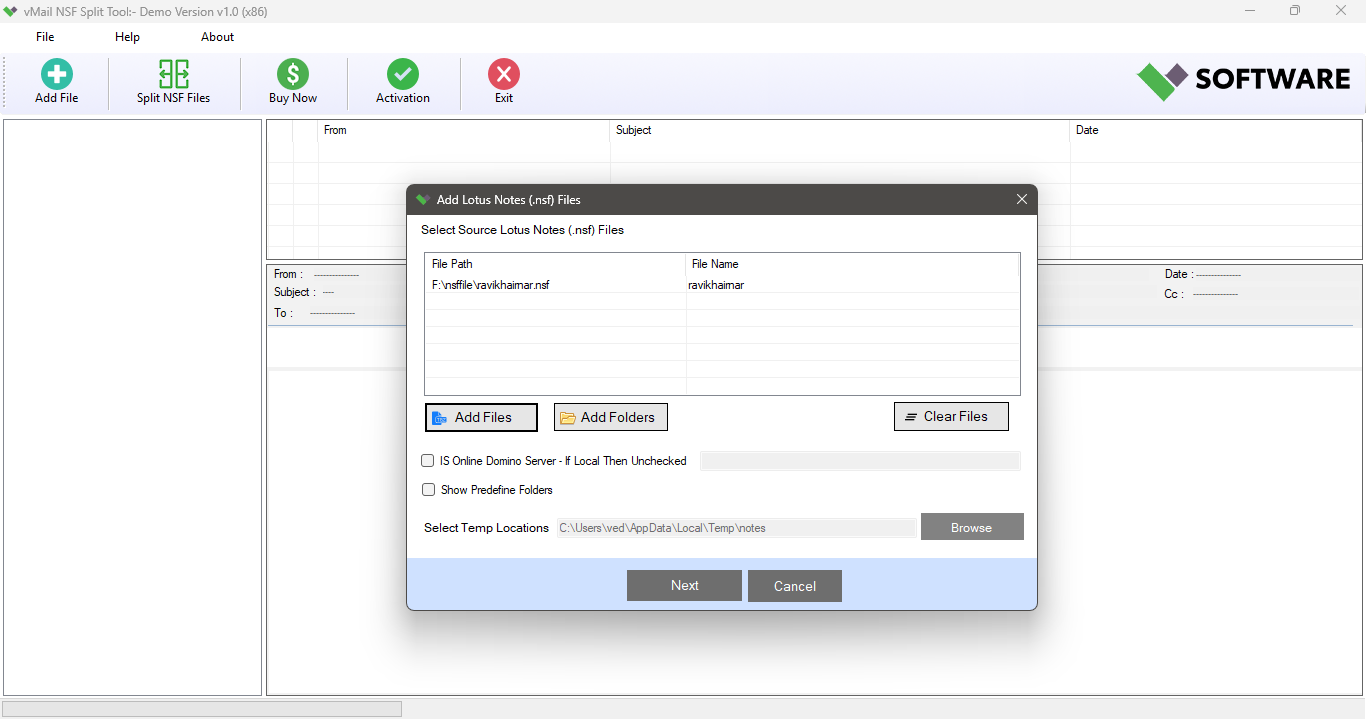
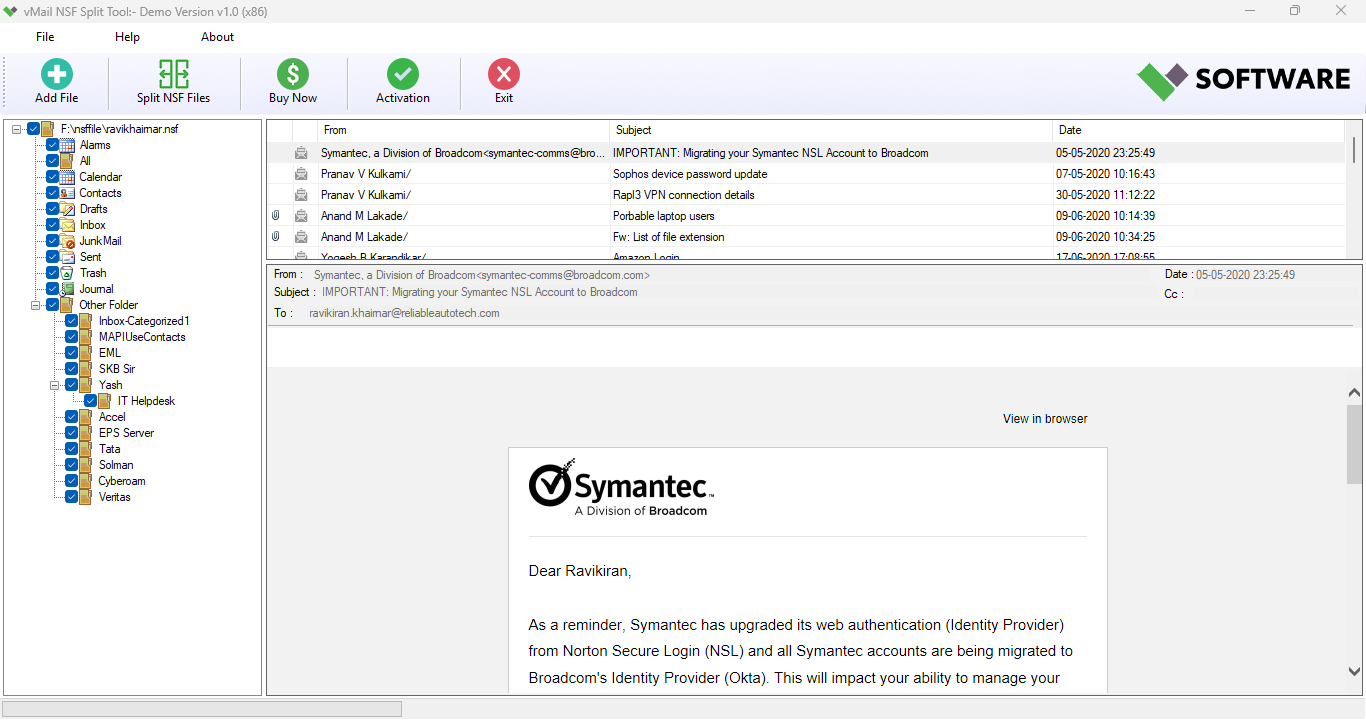
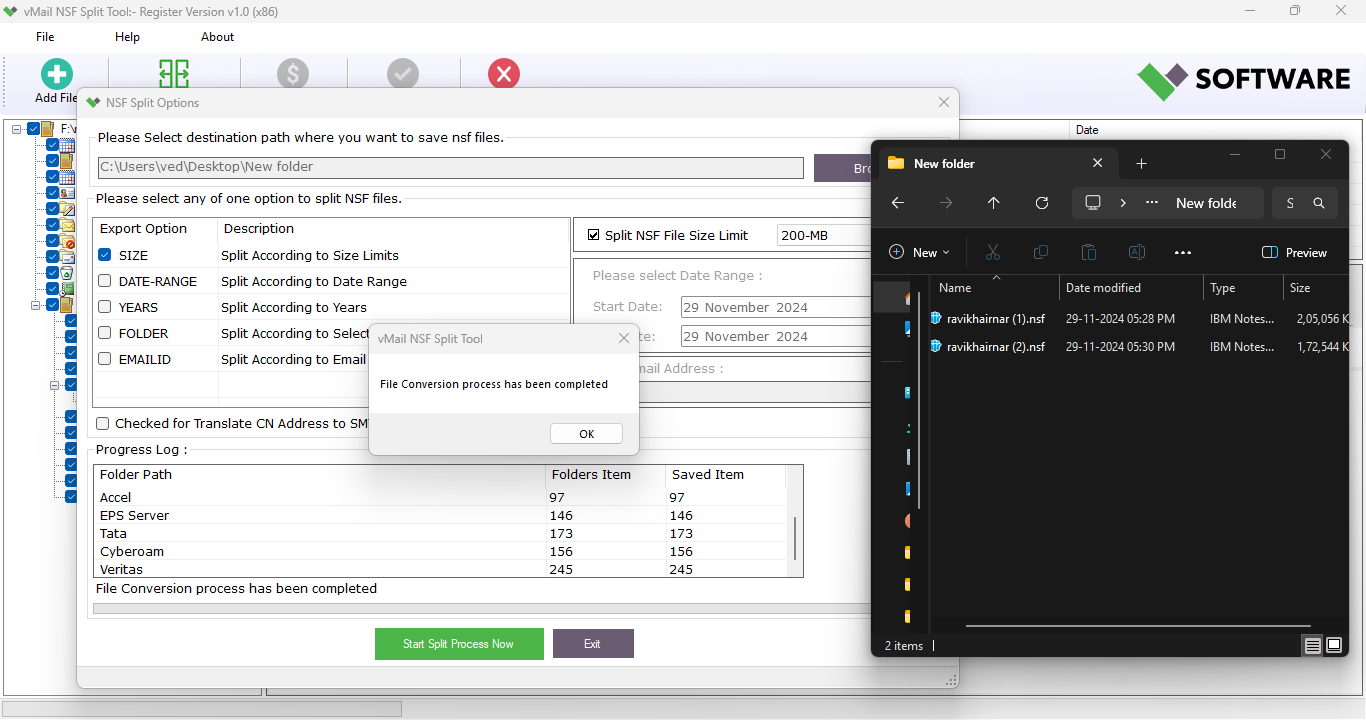
Presented step by step guide to use vMail PDF File Split Tool to Split Large PDF File into Smaller PDF Files by dates, folder, size, date range, years and emails address.
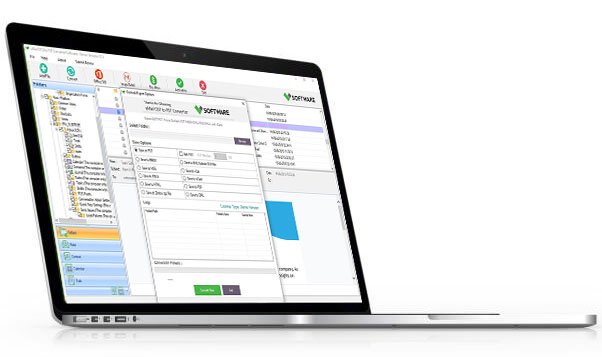
DetailsSoftware Screenshots
System Requirements
- Processor Pentium Class
- Operating System Windows 11, 10, 8.1, 8, 7, Vista, XP
- Memory Minimum 128MB RAM (512MB recommended)
- Hard Disk 150 MB of free space for Software installation
What Our Client Say ?
Synergistically engineer functionalized applications rather than backend e-commerce.

"I’m not very tech-savvy, so this product was very user-friendly. Splitting and merging files in PDF was no harder."
“The ability to combine certain ranges of pages proved to be useful for creating personalized PDFs. A very useful tool.”
“Batch processing saved me hours of work. Highly recommended for professionals handling multiple PDF files.”

FAQ's
Can you split PDF files based on some pages?
Of course, you can use the vMail PDF Split Tool to split PDF files by specific pages, ranges, odd, even, as well as generate a PDF per page.
Does the software maintain the original formatting?
The answer is yes, vMail PDF Split Tool does maintain the integrity of your data.
Can I merge just some pages from a PDF?
Definitely. You can choose and combine the page numbers you want to combine into one PDF file.
Which operating systems support this program?
It supports all the major versions of the Windows Operating system, like Windows 10, 8.1, 8, 7, Vista, and XP
Whether it support sending emails in batches?
Yes, the "Add Folder" option enables a user to handle multiple PDF files concurrently