100% Safe
& Secure
1 Year
Free
Support
Money Back
Guarantee
Lifetime FREE
license
Magnificent Key Features of vMail Zimbra to MBOX Converter Software
vMail Zimbra to MBOX Converter is a simple and powerful tool that assistances you recuperate data from Zimbra TGZ files and Export TGZ to MBOX with emails, contacts, calendars and attachments without data loss. This smart Zimbra Converter Software allows both batch and selective conversions from Zimbra to MBOX or other formats without affecting your original data.
Export Data into Multiple Formats
The vMail Zimbra to MBOX Converter software can extract data from TGZ files and export it into different formats such as PST, MSG, PDF, NSF, ICS, CSV, MBOX, EML and vCard. You can effortlessly import emails, contacts, calendars, and tasks to Outlook, vCard, CSV, or ICS formats.
No Need for Zimbra Desktop
You don’t need to install Zimbra Desktop to Migrate Zimbra to MBOX. The Zimbra to PST Converter tool works independently and lets you convert TGZ files to PST, MSG, or EML without any extra setup and with preserve all database without problem.
Add and Export Multiple TGZ Files
The software let users to add their single and many Zimbra TGZ mailboxes at once for conversion data. Zimbra to MBOX Conversion Software makes migration easy and keeps your data safe and unchanged during the process without difficulty.
No File Size Limitation
There are no limits on file size. The software will not impose any size for the size of Zimbra file so that you can Convert large or multiple Zimbra files (Webmail / TGZ Files) files to Outlook or other formats efficiently without errors or delays.
Filter Data by Date
With the built-in date filter option of the vMail Zimbra to MBOX Converter Software, you can recover and Export emails from a specific time period. This helps you save only the data you need between two dates along with complete data.
Compatible with All MBOX Email Clients
The vMail Zimbra to MBOX Converter Software tool supports all MBOX-based email clients such as Apple Mail, Thunderbird, Mail Copa, and EarthLink. It ensures smooth migration and accurate results every time. And it supports Zimbra Desktop Versions included-7.3.1, 7.3.0, etc.

How vMail TGZ to MBOX Converter Works
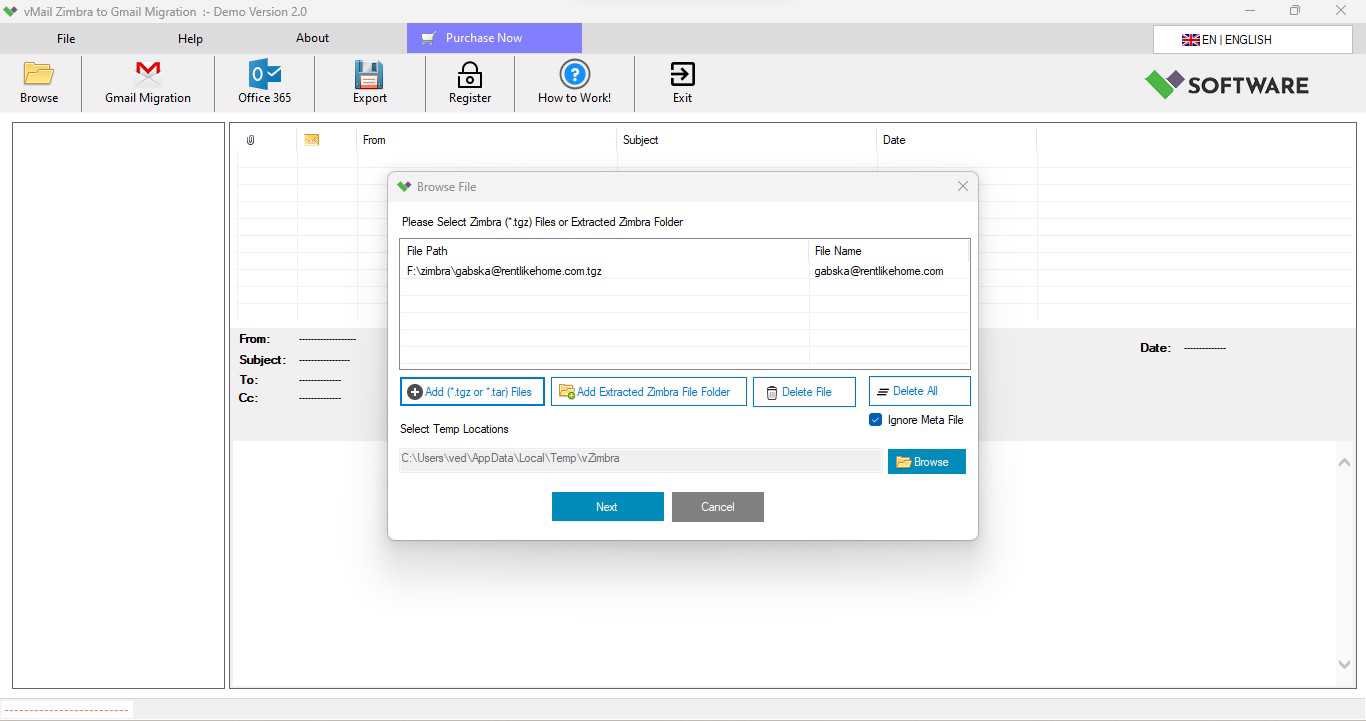
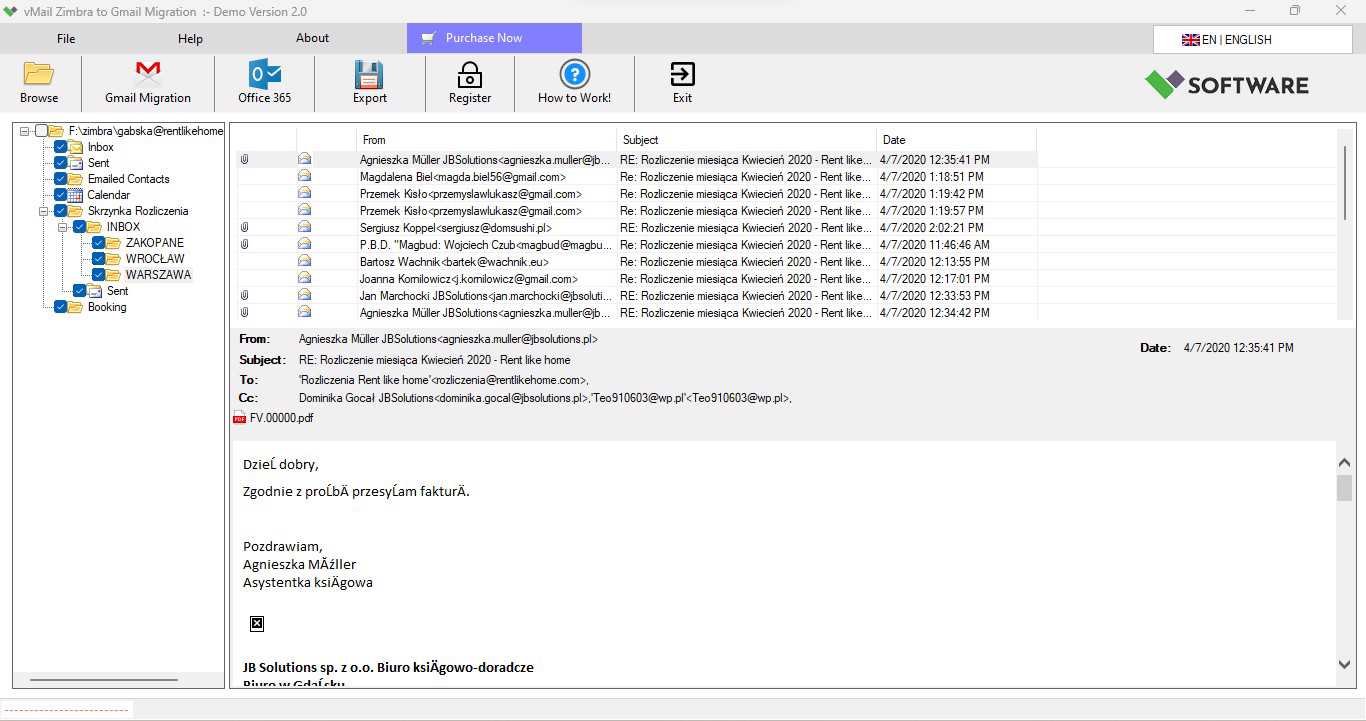
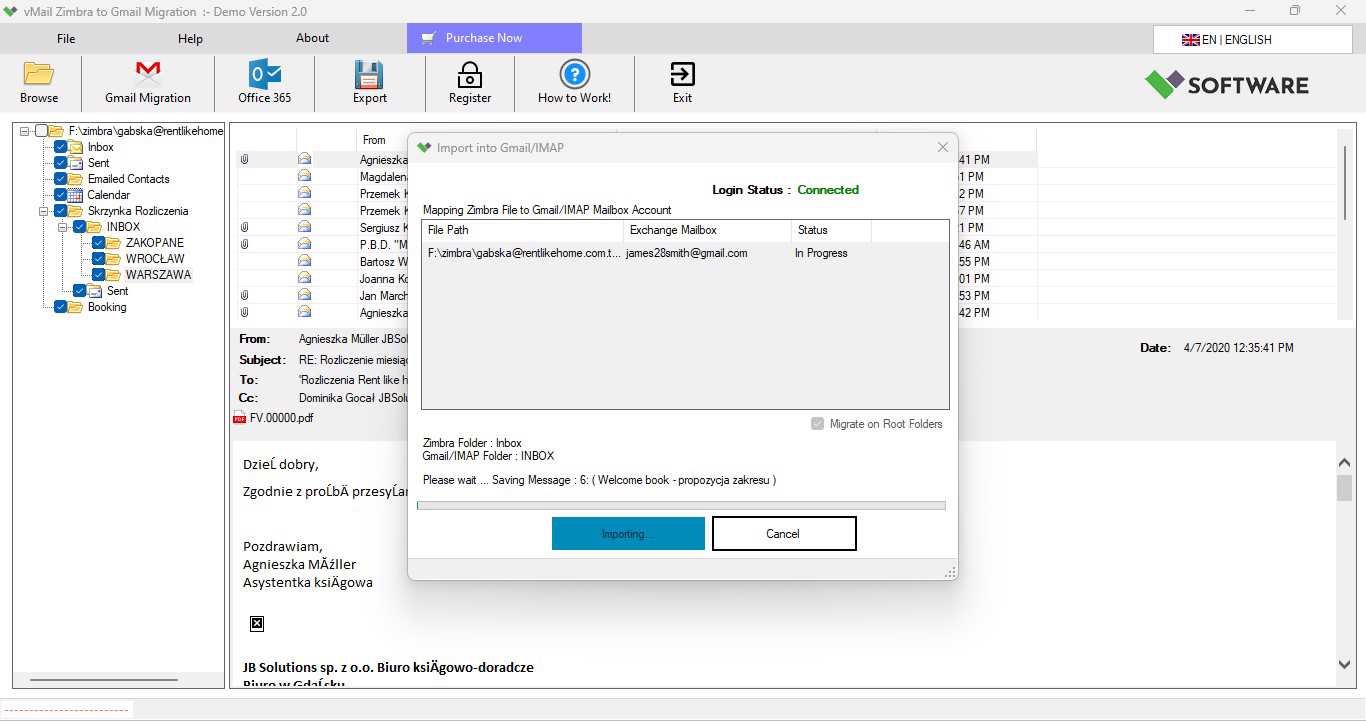
A step-by-step guide to using vMail TGZ to MBOX Converter to convert (*.tgz, *.tar) file to Thunderbird MBOX, Outlook PST, MSG, PDF, ICS, Gmail and Office 365 Migration
DetailsSoftware Screenshots
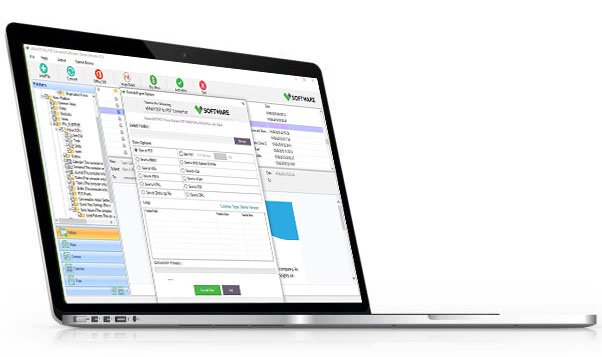
System Requirements
- Processor Pentium Class
- Operating System Windows 11, 10, 8.1, 8, 7, Vista, XP
- Memory Minimum 128MB RAM (512MB recommended)
- Hard Disk 150 MB of free space for Software installation
What Our Client Say ?
Synergistically engineer functionalized applications rather than backend e-commerce.

Excellent product! It effortlessly handled large TGZ files and helped me convert Zimbra to MBOX without any corruption.
I had multiple TGZ files, and the batch conversion option saved me hours. Best tool to Export Zimbra files to MBOX.
Highly reliable software! I could migrate Zimbra to MBOX in just a few minutes without losing any data.

FAQ's
Can I Export multiple Zimbra TGZ files at once?
Yes, the software supports batch conversion. You can import Zimbra to MBOX in bulk without losing any data.
Does the software require Zimbra Desktop installation?
No, there is no need of Zimbra Desktop installed. The tool can directly Export Zimbra files to MBOX.
Which file formats does this tool support apart from MBOX?
The vMail Zimbra to MBOX Converter software can export Zimbra to MBOX, PST, NSF, ICS, CSV, EML, MSG, PDF, and vCard formats efficiently.
Can I preview my Zimbra data before conversion?
Yes, you can preview your emails and attachments before converting them to MBOX, which helps in selective migration.
Does vMail Zimbra to MBOX Converter support all Windows versions?
Yes, it supports all major Windows versions including Windows 11, 10, 8, 7, Vista, and XP (both 32-bit & 64-bit).